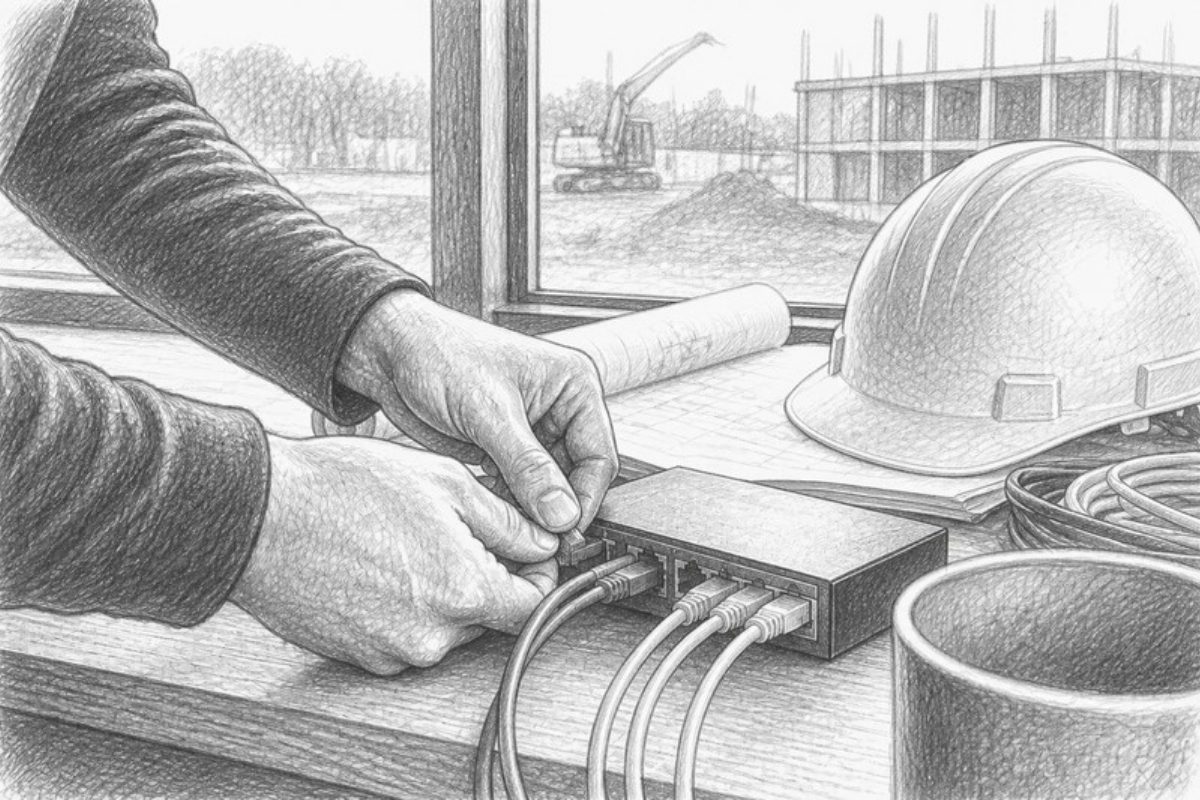
Construction CRM Integrations: What to Connect First
The fastest ROI in construction CRM integration comes from four connections: project management, estimating, accounting/ERP, and customer communications. Connect those first, route everything through your CRM as the central hub, and use native integrations wherever your vendor offers them. Reserve middleware or custom API work for the systems that need two-way sync or don’t have a native connector.
- Project management + estimating stop the copy-paste between bid and build
- Accounting/ERP kills double entry on invoices and job costing
- Customer communications automates the milestone updates clients now expect
Pro Tip: Before you integrate anything, list every system where a lead, job, or invoice currently gets typed in twice. That list is your integration roadmap.
Budget conservatively. Illustrative estimates for construction integration projects range from around $15,000 to $120,000 or more, depending on how many endpoints you connect and how much custom transformation the legacy systems demand.
Key Takeaways
Construction CRM integrations succeed when the CRM acts as the central hub, native connectors handle the simple links, and middleware or APIs manage the complex two-way syncs.
| Point | Details |
|---|---|
| Prioritize four integrations first | Connect project management, estimating, accounting/ERP, and customer communications before anything else. |
| Choose the right integration method | Use native connectors when available, middleware for multi-system orchestration, and custom APIs for complex two-way sync. |
| Map data before building anything | Document field-level mappings and harmonize cost codes before writing any integration logic. |
| Govern integrations like production systems | Set up API versioning, monitoring, reconciliation dashboards, and audit logs to catch drift early. |
| Choose a construction-specialist CRM | Highlevelcrm-rconstructionsolutions brings pre-built cost code mapping and bid workflow logic that speeds onboarding for contractors. |
Table of Contents
- Which Systems Should You Integrate With A Construction CRM?
- Native, Middleware, Or Custom API: Which Integration Method Fits?
- How Do You Implement A Construction CRM Integration?
- What Keeps A Construction CRM Integration Reliable Long Term?
- A Construction-Specialist CRM Changes What’s Possible
- Get Your Integrations Built By People Who Know Cost Codes
- Frequently Asked Questions
- Sources
Which Systems Should You Integrate With A Construction CRM?
Every integration decision comes down to one question: does connecting this system stop someone from re-keying data? Construction CRM integration links your CRM with project management, accounting, procurement, estimating, field operations, and document or BIM systems to centralize records that would otherwise live in five different logins.
Here’s how each connection earns its place in your stack:
- Project management tools. A closed-won deal in your CRM should auto-create a project, populate the schedule, and sync status updates back without a PM manually re-entering client details.
- Estimating software. Bids should auto-populate from CRM opportunity data, and once a deal closes, that estimate should flow straight into a preconstruction record. Our CRM and bid tracking guide breaks down how that handoff works in practice.
- Accounting and ERP systems. This connection unifies customer and billing records, automates invoice generation, and feeds job costing data back into your reporting dashboards.
- Procurement, inventory, and equipment tracking. Purchase orders and material availability need to stay current against project schedules, and equipment tracking platforms like EquipTrack can feed utilization data straight into job cost reports.
- BIM and document management. Linking drawings, RFIs, and submittals to the client and project record in your CRM keeps everyone working from the same file, not five email chains.
- Field, HR, and timekeeping systems. Surfacing timesheets and labor hours inside the CRM gives estimators and PMs real job costing data instead of end-of-month guesswork.
- Customer communication tools. Milestone notifications, permit updates, and change-order approvals should fire automatically by email, SMS, or client portal.
Small shops usually start with estimating and communications. Mid-size firms add accounting and PM syncs next. Enterprise operations eventually connect all seven, often running through middleware to keep the whole stack coordinated.
Native, Middleware, Or Custom API: Which Integration Method Fits?
Three methods dominate construction integration work, and each solves a different problem.
- Native integrations. Your CRM vendor builds and maintains the connection directly to a specific accounting or PM tool. These are the fastest to set up and the most stable, but you’re limited to whatever partnerships your vendor has already built.
- Middleware and iPaaS connectors. Tools that sit between systems and route data according to rules you configure. They cost less than custom development and work well when you’re coordinating three or more systems at once.
- Custom API integration. Developers build a direct connection tailored to your exact workflow. This costs the most upfront but handles complex two-way sync and enterprise-scale data volumes better than anything else.
- Webhooks. Event-driven triggers that fire the moment something changes, useful for near-real-time updates like “notify accounting the instant a change order is approved.”
Two-way sync is the recommended pattern whenever both systems need to stay current, because one-way syncs create a lag that eventually causes someone to trust the wrong record. One-way sync still works fine for reporting feeds where one system is purely a source and never needs updates pushed back.
Pro Tip: Don’t build custom API integrations for your first project. Pilot with a middleware connector, prove the workflow, then decide if the volume justifies custom development.
How Do You Implement A Construction CRM Integration?
A construction CRM integration succeeds or fails based on the planning done before anyone touches an API key. Follow this sequence:
- Define objectives and stakeholders. Get estimating, accounting, and field ops in the same room and agree on what “done” looks like.
- Choose your systems of record. Decide which platform owns each data type. Cost codes might live in accounting; contact records live in the CRM. Conflicting ownership is the single biggest cause of sync errors.
- Build a data map. Document field-level mappings, harmonize cost codes across systems, and pick a consistent ID strategy for projects and customers before writing any integration logic.
- Set sync direction and reconciliation rules. Decide what happens when two systems disagree on a record, and who or what resolves it.
- Build in a sandbox. Run two or three test projects through the full pipeline before touching live data.
- Roll out in phases. Start with one integration, train staff, confirm reconciliation reports match, then add the next connection.
- Keep a fallback plan. Know how your team reverts to manual entry if a sync breaks mid-project.
For lean teams, low-cost automation pilots using no-code connectors can eliminate a large share of manual entry before you commit to custom development. That’s a smart way to prove value before spending on a bigger build.
| Cost Driver | Typical Impact on Budget and Timeline |
|---|---|
| Legacy accounting systems | Add development time for custom data transforms |
| Number of endpoints connected | Each additional system multiplies mapping and testing work |
| Two-way sync requirements | Costs more upfront than one-way feeds but prevents data drift |
| Custom field mappings | Increases setup time proportional to how nonstandard your cost codes are |
Overall integration spend can run from roughly $15,000 into six figures, so scope your first project narrowly and expand once the pattern proves out.
What Keeps A Construction CRM Integration Reliable Long Term?
Integrations don’t fail on day one. They fail eight months in, when an API version changes or a field gets renamed and nobody notices until the reports stop matching. Strong governance prevents that.
- API governance basics: version your endpoints, standardize authentication, respect rate limits, and define clear payload formats and error handling upfront.
- Middleware over point-to-point. Enterprise integration works best when modeled around business capabilities like opportunity-to-project or estimate-to-budget, using middleware to orchestrate rather than wiring every system directly to every other system.
- Operational monitoring. Set up retry logic, dead-letter queues for failed syncs, audit logs, and a reconciliation dashboard that flags mismatches before they reach a client invoice.
- Semantic consistency. A canonical glossary for project IDs, cost codes, and customer IDs prevents exceptions during rollout and keeps every system speaking the same language.
Pro Tip: Assign one person to own your integration dashboard weekly. Reconciliation drift is easy to fix at day three and expensive to fix at day ninety.
A Construction-Specialist CRM Changes What’s Possible
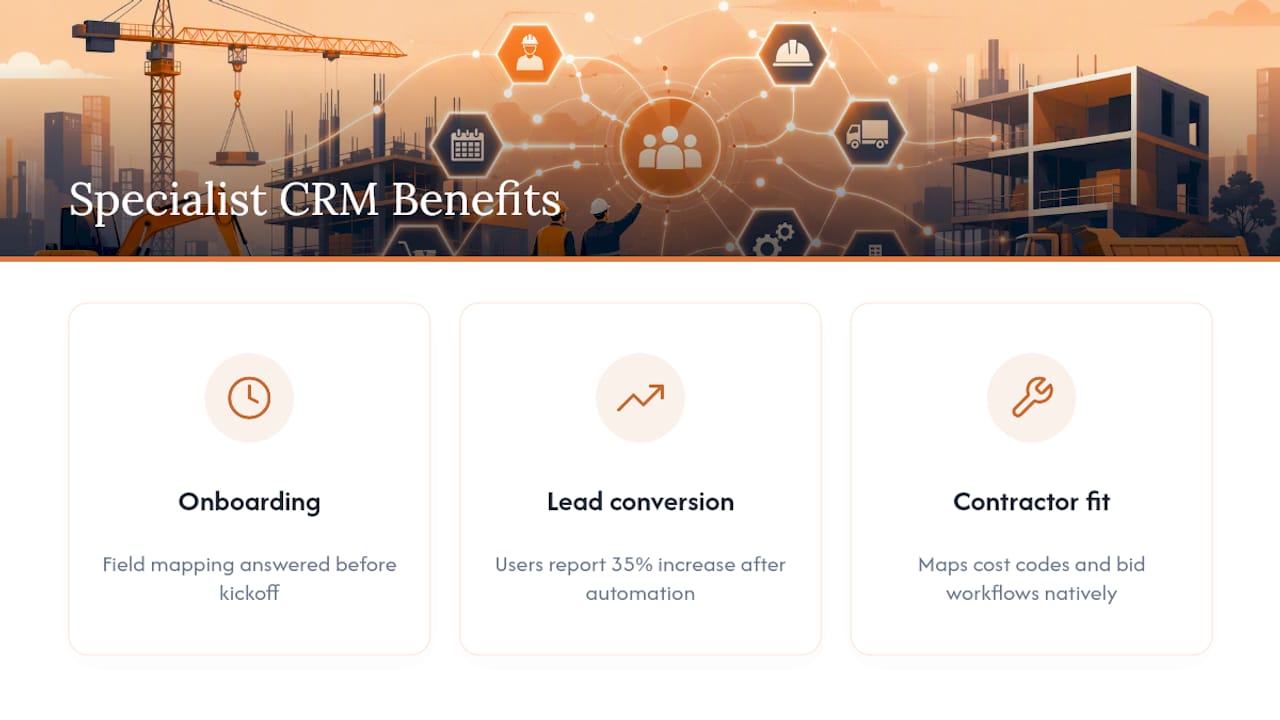
Built with over 30 years of construction experience, Highlevelcrm-rconstructionsolutions maps cost codes and bid workflows the way contractors actually use them, not the way a generic sales CRM assumes. That specialization shortens onboarding because the field mapping questions get answered before you ask them. Some users report lead conversion increases of 35% once automated tracking and custom reporting dashboards replace manual follow-up.
Get Your Integrations Built By People Who Know Cost Codes
Most CRM vendors ask you to explain what a cost code is. Highlevelcrm-rconstructionsolutions was built by people who already know, which means your estimating-to-accounting handoff doesn’t start with a translation exercise.
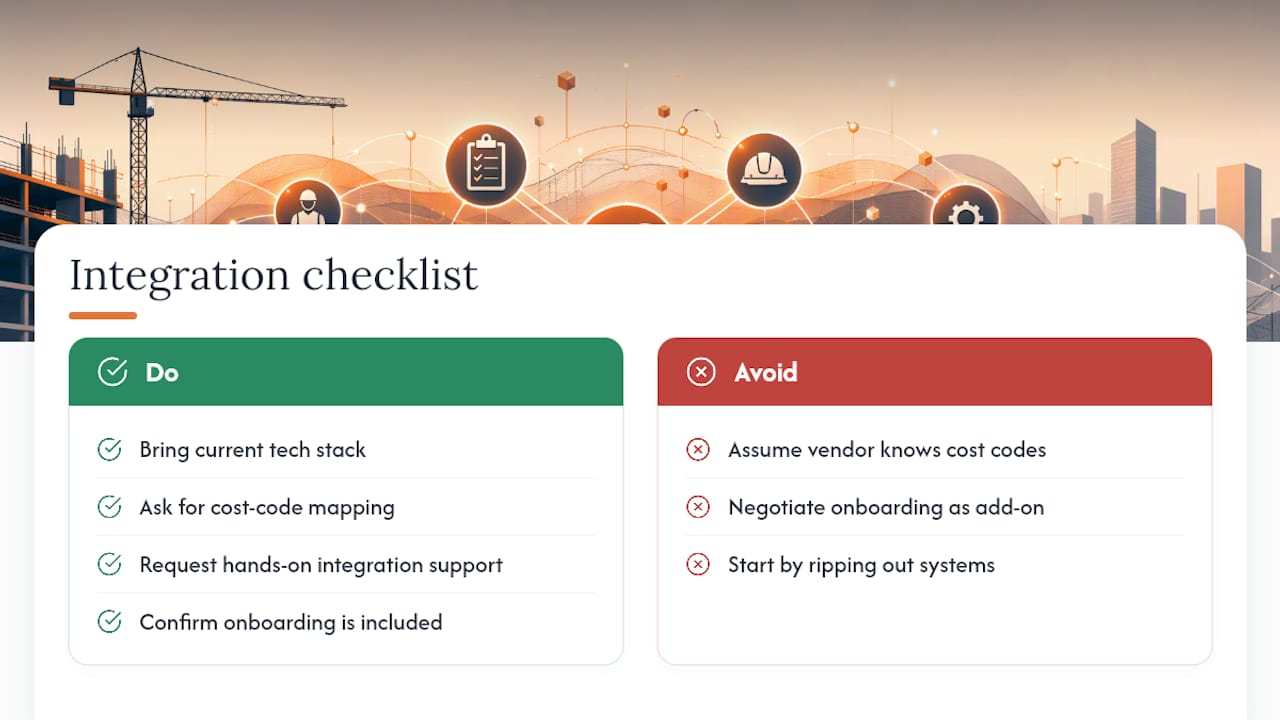
The platform includes automated lead tracking, prebuilt workflows for construction-specific processes, and hands-on integration support so you’re not left configuring API connections alone. Onboarding and training come standard, not as a separate line item you negotiate later. Whether you’re a residential contractor juggling estimating handoffs or a commercial supplier coordinating procurement and field data, the setup process starts with mapping your existing systems, not ripping them out.
If you want to see how this fits your specific mix of estimating, accounting, and field tools, visit Industries We Serve and request a walkthrough. Bring your current tech stack to the call; that’s exactly what the conversation is built around.
Frequently Asked Questions
What is the fastest way to see ROI from construction CRM integrations? Connect estimating and customer communications first. These two integrations eliminate the most manual re-keying and show up quickly in reduced admin time and faster invoicing, which are the metrics that actually reflect integration ROI better than technical benchmarks.
Do I need two-way sync for every system, or is one-way enough? One-way sync works fine for reporting feeds where a system only needs to receive data, like pulling job cost reports into a dashboard. Two-way sync becomes essential whenever both systems need to stay current and either one might be the source of a change, such as project status updates between your CRM and PM tool.
How long does a typical construction CRM integration take to implement? Timelines depend heavily on how many systems you’re connecting and whether legacy accounting software requires custom data transforms. A single native integration might take days to configure, while a multi-system middleware rollout with custom mappings can take several weeks of sandbox testing before go-live.
Can a small contracting business afford CRM integrations? Yes. Low-cost, no-code automation pilots can handle a meaningful share of manual entry elimination before you invest in custom API development, which makes phased integration realistic even for lean teams without an in-house developer.
What’s the biggest mistake contractors make when integrating CRM with other systems? Skipping the data mapping step. Teams that jump straight into connecting systems without agreeing on cost code harmonization and system-of-record ownership end up with sync conflicts that erode trust in the data faster than any technical failure would.
Sources
- Construction CRM Integration Guide for 2026
- Two-way sync is the future of work
- Construction platform connectivity best practices for ERP integration with CRM and project controls | SysGenPro ERP

