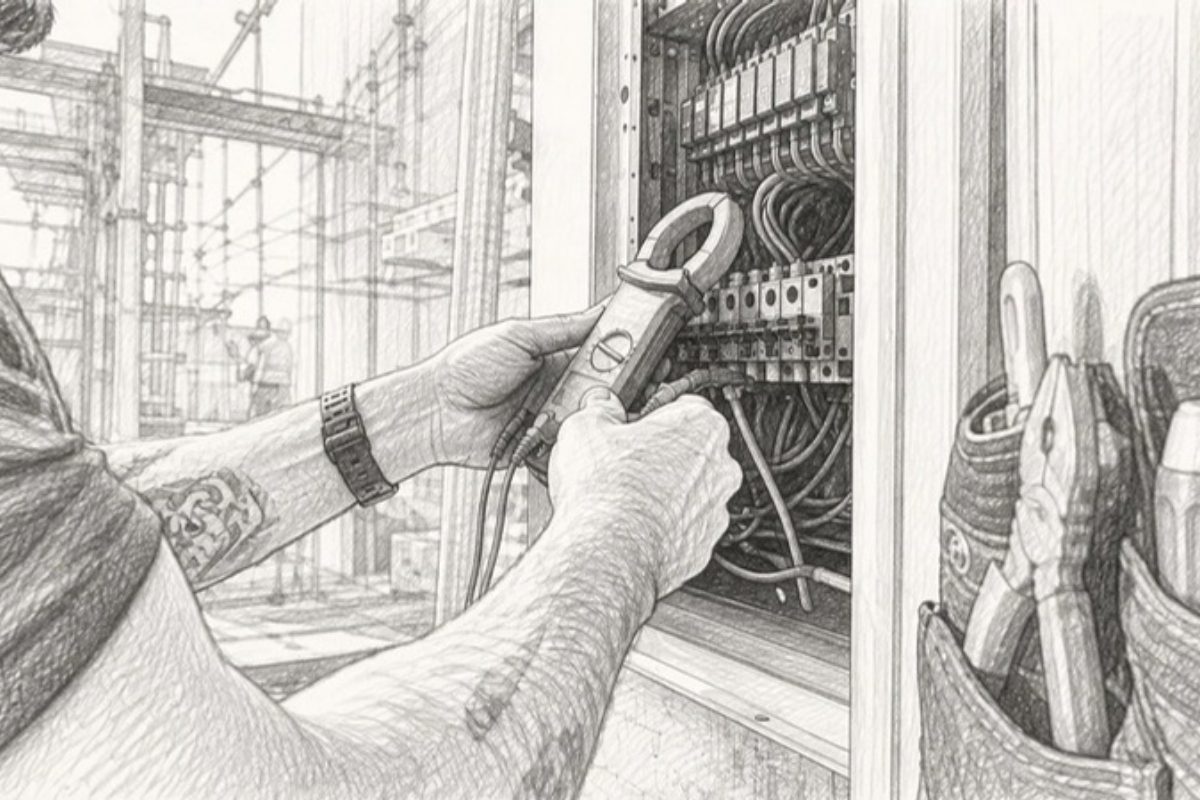
Best Electrical Load Calculation Software for Contractors
For most North American contractors and electrical engineers, the right electrical load calculation software comes down to three decisions: how much NEC automation you need, whether you work in the field or the office, and how complex your projects are.
Quick picks by use case:
- PowerCalc — best for NEC-compliant building design with automatic change propagation across drawings
- Kopperfield — best for residential and small commercial electricians who need permit-ready outputs fast
- EasyPower / ETAP — best for industrial and utility-scale power-system analysis, including arc-flash and coordination studies
- Autodesk Revit (with electrical add-ins) — best for BIM-integrated firms running coordinated multidisciplinary models
- BuildOps — best for contracting firms that want estimating and field operations in one platform
NEC compliance and permit-ready outputs are the primary filter for any North American purchase decision. A tool that cannot produce a compliant panel schedule or a permit-ready PDF report adds risk to every job.
Key Takeaways
The best electrical load calculation software for North American contractors is the one that matches your project complexity, enforces the NEC cycle your jurisdiction has adopted, and produces outputs your AHJ will accept without revision.
| Point | Details |
|---|---|
| NEC version support is non-negotiable | Confirm which NEC cycle (2020, 2023, or 2026) the tool enforces before purchasing. |
| Match tool tier to project complexity | Residential and small commercial work suits permit-ready calculators; industrial projects need short-circuit and coordination analysis. |
| BIM integration delivers measurable gains | A Revit-based plugin reduced cable length substantially and cut review time significantly in a commercial validation project. |
| Pilot on a familiar project type | Test new software on a project you know well so you can verify outputs against your own calculations. |
| Highlevelcrm-rconstructionsolutions connects the workflow | After the load calc is done, Highlevelcrm-rconstructionsolutions manages leads, bids, and subcontractor coordination for contracting firms. |
Table of Contents
- Which electrical load calculation software tools should you compare?
- How do you choose the right load analysis software for your team?
- What do core software features actually do for you on the job?
- What does licensing actually cost, and how should you deploy it?
- When should you move from a calculator app to BIM-integrated analysis?
- An editorial perspective on what the software market gets wrong
- Highlevelcrm-rconstructionsolutions helps contractors manage what happens after the calculation
- Sources
Which electrical load calculation software tools should you compare?
The table below maps each major platform against the dimensions that matter most in a real buying decision. Pricing shapes vary widely, so the column reflects the licensing model rather than a specific dollar figure, since most vendors quote on request or offer tiered plans.
How the leading tools actually differ
PowerCalc is purpose-built for NEC-compliant building electrical design. Its proprietary calculation database propagates changes instantly across a design, so when you update a panel, every downstream circuit recalculates automatically. That matters on large commercial jobs where manual re-checking is where errors hide.
Kopperfield takes a field-first approach. The UX is built for electricians, not engineers, and the permit-ready PDF output is the point. If you run residential service upgrades or small commercial tenant improvements and need to hand a clean calculation package to a building department, Kopperfield gets you there without a steep learning curve.
BuildOps is less a pure load-calc tool and more an operations platform that wraps estimating and field management around electrical workflows. Contractors who already struggle to connect their office estimates to field execution will find more value here than engineers who need deep code analysis.
EasyPower and ETAP occupy a different tier entirely. Both handle short-circuit analysis, protective device coordination, and arc-flash studies — the kind of work required on industrial facilities, data centers, and utility interconnects. Neither is the right call for a residential electrician, but for a consulting engineer on a 15 MW manufacturing plant, they are the standard.
Autodesk Revit with electrical add-ins is the right choice when your project already lives in a BIM model. The value is not the load calculation itself but the model-driven automation: quantities come from the model, coordination happens in the model, and changes propagate without re-entry.
Trace Software’s elec calc handles real-time verification of voltage drop, harmonics, and ICC compliance across high- and low-voltage installations, with support for multiple national standards. It suits commercial and industrial engineers working on projects that cross jurisdictions or require IEC compliance alongside NEC.
For a construction software comparison checklist that covers BIM-integrated tools alongside electrical platforms, that resource walks through the full evaluation framework.
How do you choose the right load analysis software for your team?
Evaluation criteria, in priority order
- NEC version support and update cadence — Confirm which NEC cycle the tool enforces (2020, 2023, 2026) and how updates are delivered. A tool locked to NEC 2017 creates compliance risk in jurisdictions that have adopted newer cycles.
- Permit-ready output quality — Request a sample PDF and panel schedule. Check that the format matches what your local AHJ (Authority Having Jurisdiction) accepts. Some inspectors reject outputs that lack specific labeling or calculation methodology notes.
- Advanced analysis capability — If your projects include motors, generators, or large HVAC loads, you need demand factoring, voltage drop, and ideally short-circuit analysis. Basic calculators skip these.
- Platform fit — Cloud tools work well for office-based engineers. Field electricians need mobile access or offline capability. Confirm both before committing.
- Integration with your existing tools — Does it connect to your CAD files, BIM model, or estimating software? Re-entering data between systems is where errors compound.
- Pricing structure and user limits — A per-user subscription that scales to 20 field crews costs very differently than a one-time desktop license. Map the cost to your actual team size.
- Support and training quality — Check whether the vendor provides code-update notifications, not just software patches. A tool that updates its calculation engine without explaining what changed is a liability.
Questions to ask vendors during demos
- Which NEC cycles are currently supported, and how are code updates delivered to users?
- Can you show me a sample permit-ready output for a residential service calculation and a commercial panel schedule?
- Does the tool support demand factoring per NEC Article 220, and can I override default factors with jurisdiction-specific values?
- What happens to my data if I cancel my subscription?
- Is there offline or mobile access for field use?
- How does the software handle continuous load classification — does it flag potential misclassifications?
- What is the typical turnaround for support tickets, and is there a dedicated technical line for code questions?
Red flags to watch for
- No permit-ready report format, or outputs that require significant manual reformatting before submission
- Opaque pricing with no published plan tiers and no trial option
- No offline or mobile support for a tool marketed to field crews
- Code updates delivered only as annual releases with no interim patches for errata
- No documentation on how demand factors are calculated or which NEC articles govern each calculation
What do core software features actually do for you on the job?
Single-line (one-line) diagrams
A one-line diagram is the schematic that shows your electrical system’s hierarchy: utility source, main disconnect, distribution panels, branch circuits. Good load analysis software generates this automatically from your input data. The practical benefit is that inspectors and engineers can verify protection coordination at a glance, and you can spot missing overcurrent protection before the drawing leaves your desk.

Panel schedules
Panel schedules list every circuit in a panel: load description, amperage, breaker size, and calculated demand. Software that auto-populates these from your load inputs eliminates the transcription errors that cause permit rejections. NEC Design Software’s Loadcalc is one example of a tool that handles panel schedule generation with demand factoring by occupancy type.
NEC Article 220 demand factoring
Article 220 governs how you calculate the demand load for a service or feeder. The math is not complicated, but the classification decisions are. Lighting demand factors vary by occupancy. Appliance loads have specific table-based reductions. Software that automates these lookups reduces the risk of under-sizing a service, which is the most common reason for failed inspections on residential additions.
Short-circuit and protective device coordination
This is where tools like EasyPower and ETAP separate from the field. Short-circuit analysis calculates the available fault current at every point in the system, which determines whether your breakers and fuses can interrupt a fault safely. Protective device coordination ensures that the closest upstream device trips first, limiting damage. These studies are required by NFPA 70E and most industrial facility standards. A basic load calculator does not touch this.
Voltage drop and power quality
Trace Software’s elec calc performs this in real time as you enter loads. Harmonics analysis, relevant on facilities with large variable-frequency drives or UPS systems, is a step further and is typically found only in professional-grade platforms.
Sample outputs a contractor can expect
| Output type | Format | Typical use |
|---|---|---|
| Permit-ready load calculation | AHJ submission, plan review | |
| Panel schedule | PDF / Excel | Permit package, field reference |
| One-line diagram | PDF / DWG | Engineering review, coordination |
| Voltage drop report | NEC compliance documentation | |
| Short-circuit study | NFPA 70E compliance, industrial |
Pro Tip: Before submitting any software-generated calculation to a building department, run one manual spot-check on the largest load in the panel. If the software’s number and your hand calculation agree within rounding, the tool’s logic is sound for that project type. If they diverge, find out why before the inspector does.
Pro Tip: Ask your AHJ whether they have a preferred calculation format. Some jurisdictions have specific cover-sheet requirements or want calculations organized by load type. A tool that lets you customize the output template saves significant back-and-forth.
What does licensing actually cost, and how should you deploy it?
Common pricing models
- One-time purchase — Tools like Pro Electrical Calcs offer a one-time-purchase NEC dwelling load calculator that generates permit-ready PDF and Excel outputs with support for NEC 2023 and NEC 2026. This model suits sole proprietors and small shops that run primarily residential work and do not need ongoing feature updates.
- Per-user subscription — The most common model for cloud-based platforms. Costs scale with team size, which works well for growing firms but can become expensive for large crews.
- Site or enterprise license — ETAP and EasyPower typically sell enterprise agreements that cover a facility or organization. These include admin controls, concurrent-user management, and dedicated support.
- Add-on modules — Some platforms sell advanced analysis (arc-flash, harmonics, coordination) as separate modules on top of a base subscription. Budget for these if your project mix includes industrial work.
Deployment checklist
- Confirm OS and hardware compatibility before purchasing — some desktop tools have specific Windows version requirements
- Test offline functionality before deploying to field crews; cloud-only tools fail on job sites with poor connectivity
- Verify cloud sync behavior: does the tool sync automatically, or does the user have to push updates manually?
- Check admin controls: can you set user permissions, restrict access to specific project files, and audit calculation history?
- Confirm user limits on your plan tier before adding staff
Trial and pilot rollout tips
Run your pilot on one project type you know well, not your most complex active job. A residential service upgrade or a straightforward commercial tenant improvement gives you a clean baseline to verify the software’s outputs against your own calculations. Include at least one field electrician and one office engineer in the pilot group. Their feedback will surface different problems: the engineer will catch calculation logic issues, and the electrician will catch UX friction that slows field use.
For guidance on integrating new tools into your construction estimating workflow, that resource covers version control and team rollout in detail.
When should you move from a calculator app to BIM-integrated analysis?
Simple load calculators are the right tool for straightforward residential and small commercial work. The moment a project adds complexity — multiple distribution panels, long cable runs, coordinated MEP systems, or a design-review process that involves multiple disciplines — a standalone calculator starts creating more work than it saves.
A published IJECE study on the ESECT Revit add-in demonstrated that extracting fixture and device VA values directly from BIM families produced load estimates in approximately 4 seconds for a residential model, compared with manual entry that requires re-keying data already captured in the model. The speed gain is real, but the study also notes that reliable results depend on consistent family naming and parameter standards in the BIM model. Garbage-in, garbage-out applies here as much as anywhere.
For larger commercial and industrial projects, the case is even stronger. A 2025 MDPI Buildings study on a Revit-based detailed-design plugin reported a cable length reduction, a significantly shorter design review time, and an improvement in cable quantity accuracy in a commercial validation project. Those are not marginal gains.
Pro Tip: If you are evaluating Autodesk Revit add-ins for electrical load extraction, ask the vendor for a sample BIM model with consistent family parameters before your demo. A demo on a clean, pre-configured model will always look better than your actual project files. Test on your own model.
Professional-grade tools must go beyond simple load calculations and include advanced verification like short-circuit analysis and protective device coordination for large commercial and industrial projects. Understanding how BIM modelling integrates into building design workflows gives useful context for how electrical analysis fits into the broader coordination process.
An editorial perspective on what the software market gets wrong
The electrical load calculation software market has a marketing problem: almost every vendor claims NEC compliance, permit-ready outputs, and time savings. Those claims are table stakes, not differentiators. What vendors rarely tell you is where their tools break down.
The highest risk with automated load calculations is not arithmetic. Software does the math correctly. The risk is classification: mislabeling a continuous load, applying a demand factor from the wrong table, or misidentifying an occupancy type. These are design-assumption failures, and no software removes the need for professional judgment on those calls. A tool that makes the calculation fast also makes a wrong assumption fast.
The second thing the market underplays is the cost of switching. If your team has three years of project files in one platform’s proprietary format; migrating to a new tool is not a weekend project. Ask vendors about export formats and data portability before you sign anything.
My practical advice: ignore the feature lists and focus on two things. First, get a sample output from a project type you actually run and compare it to what your AHJ accepts. Second, ask the vendor what happened the last time a major NEC cycle was adopted — how long did the update take, and how were users notified? A vendor’s answer to that question tells you more about their reliability than any feature comparison.
Highlevelcrm-rconstructionsolutions helps contractors manage what happens after the calculation
The tools compared above handle the technical side of electrical design. What they do not handle is what comes next: tracking the lead that came from that permit submission, managing the follow-up with the GC, coordinating the subcontractor schedule, and making sure the bid that came out of your load calculation actually converts.
Highlevelcrm-rconstructionsolutions is built specifically for contractors, with over 30 years of construction industry experience behind its design. Where electrical design software ends, Highlevelcrm-rconstructionsolutions picks up: automated lead tracking, bid-to-estimate workflow management, custom reporting dashboards, and subcontractor communication tools, all in one platform built for the construction sector. If you want to see how it fits your operation, book a demo and bring your current workflow — the team will show you exactly where it connects.
Sources
- An electrical optimization design system for BIM-based detailed design — MDPI Buildings
- PowerCalc | NEC Compliant Electrical Design Software for Buildings
- Pro Electrical Calcs - Fast, Accurate NEC Load Calculations

