
Top 5 JobTread Alternatives for Construction Management: 2026 Comparison | High Level CRM
Keeping track of leads, job progress, and client communications in construction often falls apart when customer relationship management software is either too generic or adds per-user fees that hurt growing teams. Many platforms force builders to rely on awkward workarounds for estimates, bid management, and field updates because their features were not designed with contractor workflows or homebuilding realities in mind. This comparison highlights pricing, trade partner management, regional support, and integration strategies across five construction CRM systems so you can pick the one that best matches your project volume and subcontractor network.
Table of Contents
- High Level CRM
- CoConstruct
- Home Builder Solution
- Masarek Construction Estimation & Project Management Platform
- Comparison of Construction CRM Platforms
High Level CRM
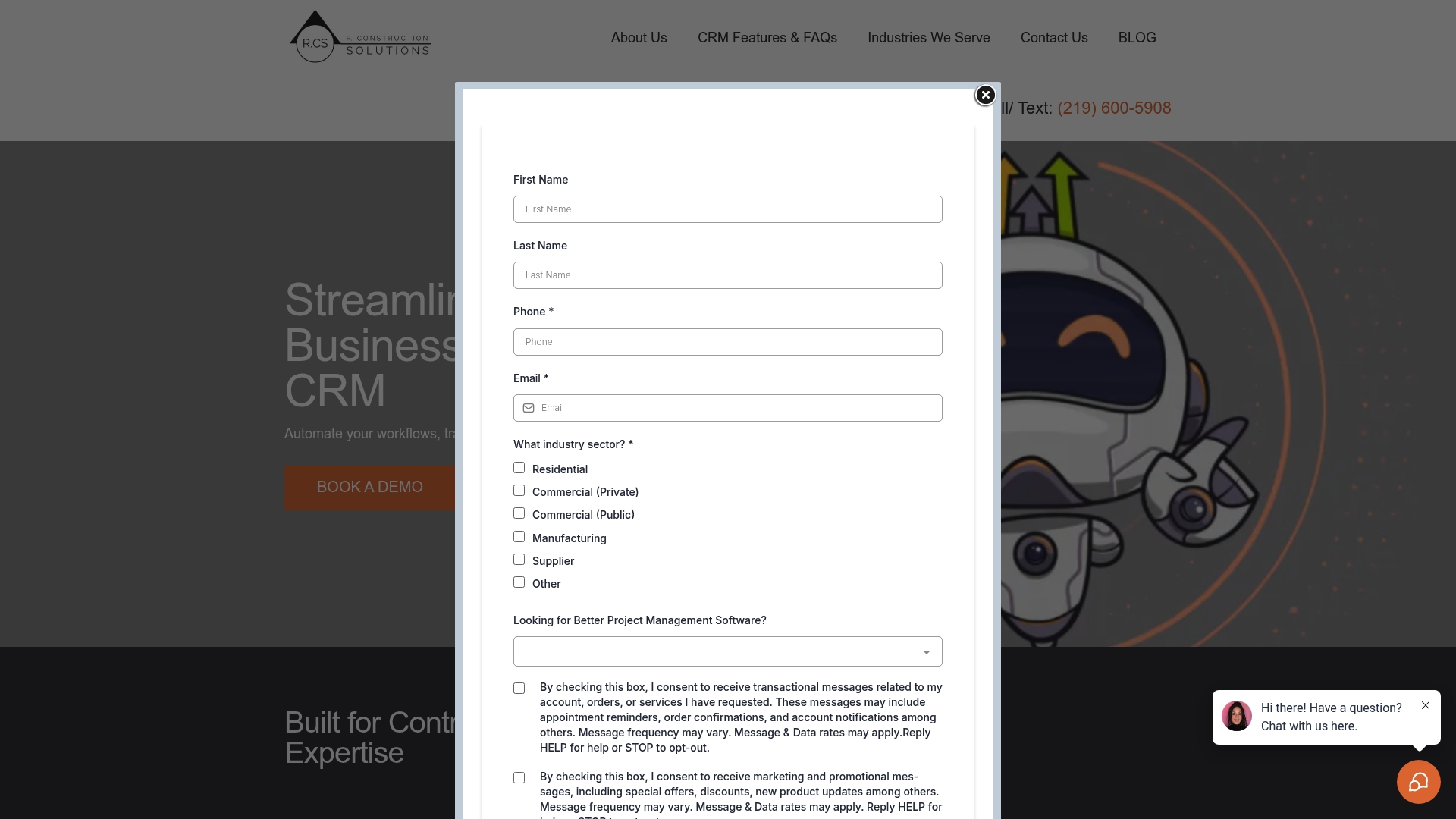
At a Glance
The vendor reports some users saw a 35% increase in lead conversion after adopting the platform. High Level CRM was developed by R.CS with over 30 years of construction experience and targets contractors, suppliers, and consultants with industry-specific CRM tools.
Core Features
High Level CRM focuses on capabilities contractors use daily.
- Lead and client management with centralized tracking across pipelines.
- Automated workflows that reduce manual handoffs and repetition.
- Custom reporting dashboards for job-level and company-level project insights.
- Email and SMS campaign tools for follow ups and client communication.
Key Differentiator
Built from decades of construction practice, the product maps CRM fields and workflows to real contractor processes rather than forcing contractors into generic sales workflows. The integration-first approach ties lead tracking directly into estimating, bids, and site documentation so data moves with the job.
Pros
-
Industry alignment. Features reflect contractor tasks like bids, estimates, and supplier coordination rather than generic sales stages.
-
Fewer repetitive steps. The automated workflows above cut manual data entry between sales and project teams, lowering error rates during handoffs.
-
Decision visibility. Custom dashboards let project managers spot problem jobs faster and pull reports for owners or lenders without manual spreadsheets.
-
Integrations reduce double entry. Connecting to estimating and field tools keeps bid and job records synchronized with the CRM.
-
Built on practitioner experience. The vendor’s construction background shows in the feature set and terminology.
Cons
- Not a full ERP. The platform focuses on CRM and workflow automation and is not a complete accounting or full project management system for firms that need single-system accounting and scheduling.
Notable Integrations
High Level CRM links to tools contractors already use.
- ProCore
- BuilderTrend
- On Screen Takeoff
- Bluebeam
- Twilio
Who It’s For
Contractors, specialty subcontractors, suppliers, and construction consultants who want a CRM that understands bids, estimates, and site documents. Best for teams that already use construction estimating or field tools and want to eliminate duplicate entry between systems.
Unique Value Proposition
Because the product was built around construction workflows, it shortens the path from lead to estimate to job handoff. Tying CRM records to estimating and field platforms reduces duplicate entry and administrative hours, which changes how small and mid-size contractors allocate office staff time.
Real World Use Case
The vendor says a residential contractor automated lead follow ups and cut response time by 50%, while achieving the 35% conversion figure above. That example shows how faster follow ups plus integrated bid data can turn more prospects into paid work within months.
Pricing
The vendor does not publish standard tiers. Pricing appears to be custom, with setup fees and monthly plans scaled to business size and integrations. Expect an implementation estimate rather than an off-the-shelf price.
Website: https://highlevelcrm-rconstructionsolutions.com
CoConstruct
At a Glance
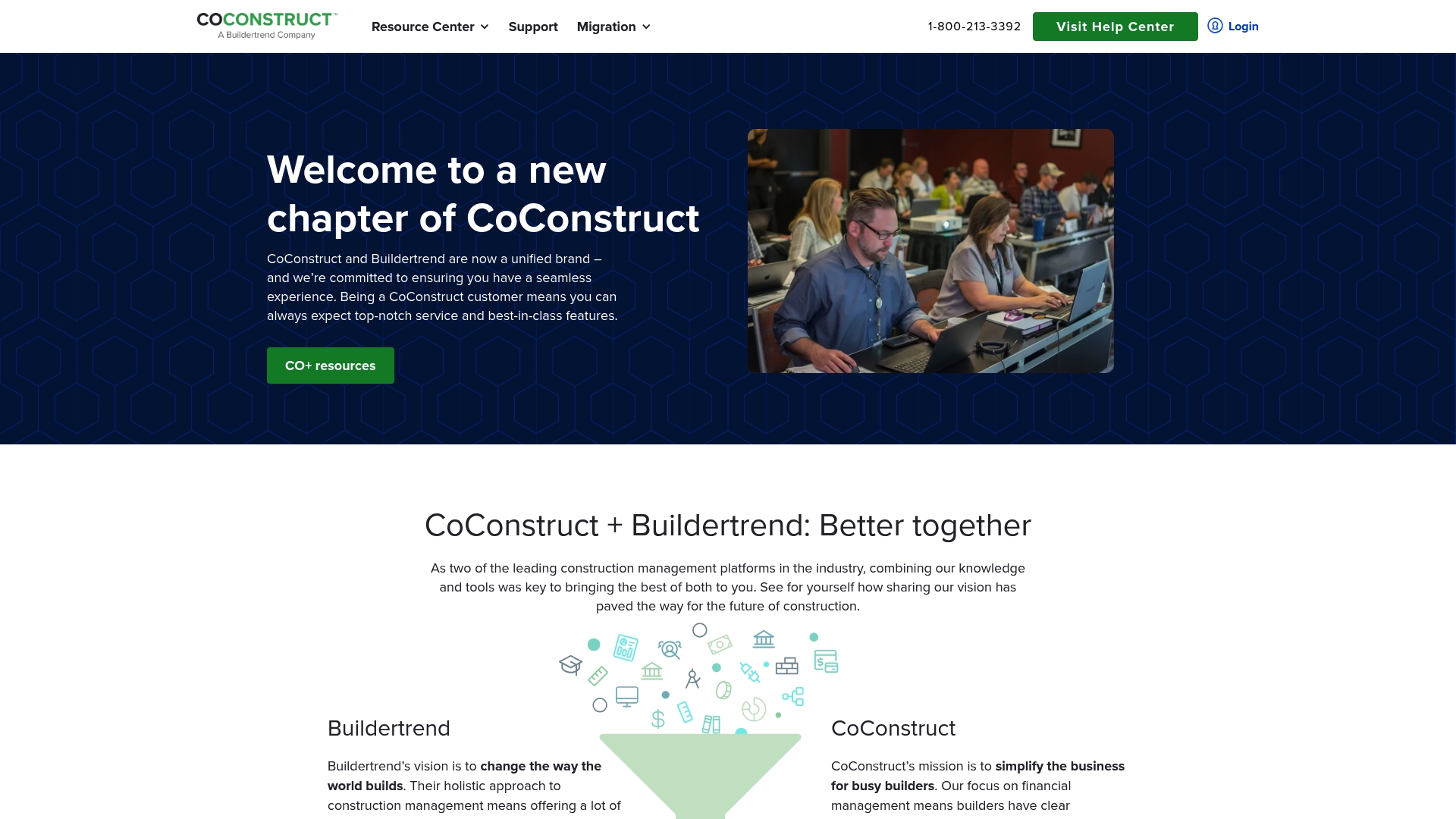
Part of a unified brand with Buildertrend, CoConstruct focuses on long term archiving of project details, photos, and files while pairing that record keeping with estimating and scheduling for residential builders. The platform includes an extensive support center to help builders adopt workflows without heavy setup.
Core Features
- Project scheduling and task management designed for coordinating crews and subcontractors across job sites.
- Financial management for expenses and budget tracking so you can compare actuals to estimates on each job.
- Estimate creation and proposal tools that use cost catalogs and templates to speed bid turnaround.
- Document and photo storage to preserve job records and client approvals for future reference.
- Client communication tools such as job logs and notes that keep homeowner conversations tied to specific tasks.
Key Differentiator
CoConstruct’s standout feature is its emphasis on long term project organization and archive capability. That record keeping is not an afterthought. It is built into scheduling, estimating, and job documentation so past jobs become searchable assets rather than scattered folders.
Pros
- Strong client communication keeps homeowner approvals and questions attached to the right job record, reducing lost email threads.
- The job documentation model stores photos and files in a way that makes warranty and reference work simple years later.
- Scheduling and task management support coordination with multiple subcontractors across overlapping job timelines.
- Expense tracking and job logs give project managers a near real time view of cost variance against the original budget.
- Estimating tools with catalogs and templates cut repetitive work when you prepare multiple proposals for similar scopes.
Cons
- Internal team communication is limited. There are no @mentions or team tagging features, so quick alerts inside the app are awkward.
- Lead management and pipeline tracking lack a clear visual pipeline, which makes pre sales work feel clunky compared with dedicated CRMs.
- There is no built in CRM for post completion follow up, so teams must export or sync data to a separate system for repeat business.
When It May Not Fit
If your office relies on real time, in app mentions and threaded team chat, CoConstruct’s communication model will feel restrictive. Sales teams that need a visual pipeline for leads will find the platform awkward for pre sales activity. Firms that require an integrated post project CRM will need to add another tool.
Who It’s For
Builders, remodelers, and specialty trade contractors who manage multiple residential projects and want an all in one place to organize schedules, budgets, and job records. Small to midsize firms that value long term project archives and client facing documentation will see the most benefit.
Real World Use Case
A residential builder uses CoConstruct to schedule daily tasks, keep subcontractor assignments in one place, and attach photos to each milestone. The team tracks expenses against estimates and hands clients a single project record that can be used for warranty work years later.
Pricing
Pricing is not publicly listed. You must contact sales for a tailored quote based on company size and feature needs. Expect vendor guided pricing conversations rather than a self serve price sheet.
Website: https://coconstruct.com
Home Builder Solution
At a Glance
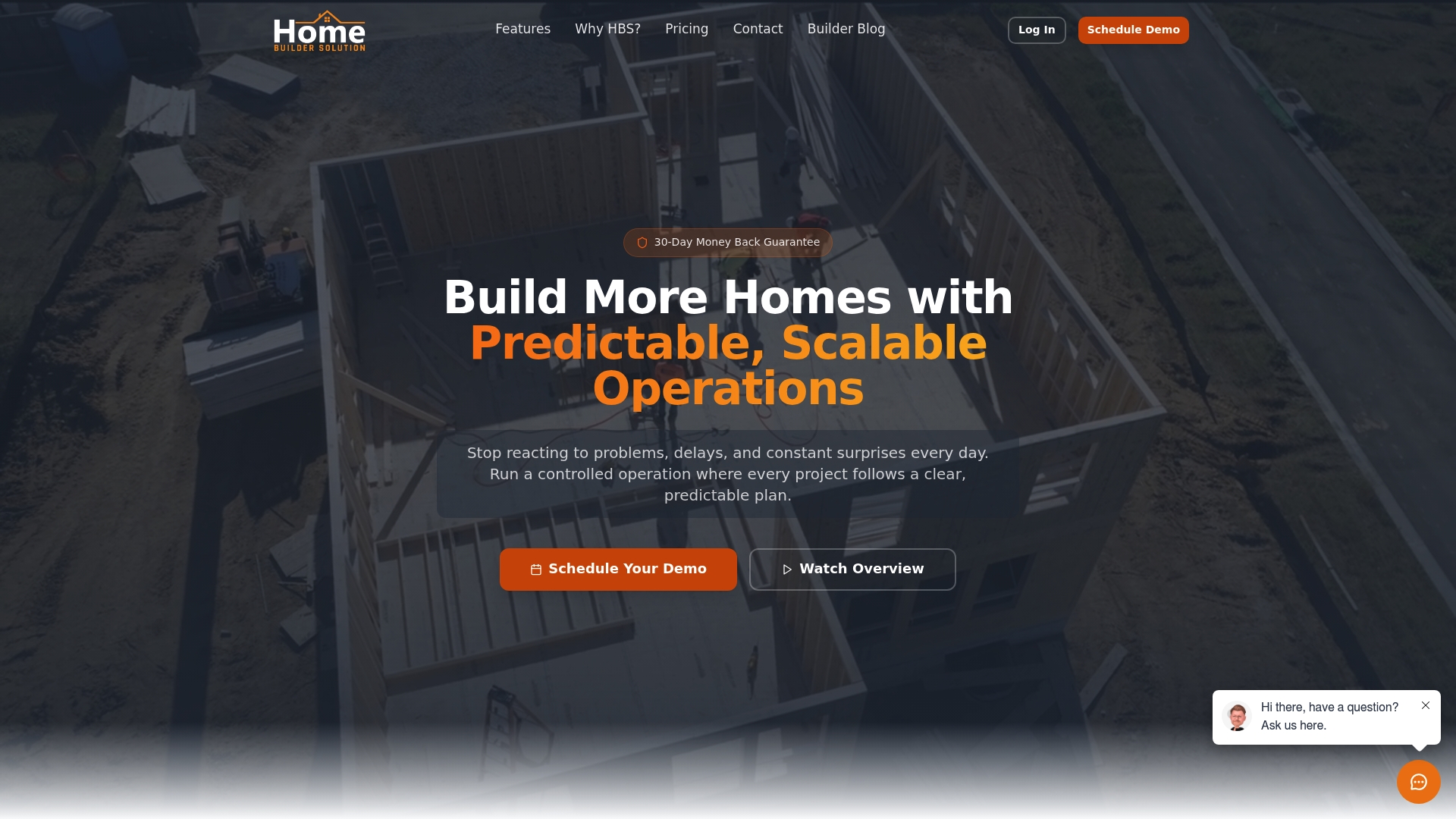
Unlimited trade partner management with no per-vendor fees is the standout detail here. The product bundles automated checklists, vendor portals, and a homeowner-facing portal into a single cloud workspace aimed at residential builders.
Core Features
- Heartbeat Reports for real time KPI visibility across projects and cash flow.
- Project scheduling with drag and drop and conflict detection plus reusable home models and options templates.
- Work order creation, change order processing with automatic cost adjustments, and material takeoff tools for accurate costing.
- Dedicated vendor portal and bid request management for subcontractor comparison and procurement.
- Mobile apps for field teams on iOS and Android and cloud storage for centralized access.
Key Differentiator
The tool is built specifically for residential home builders and places subcontractor management at the center. Unlimited trade partner records and a vendor portal reduce per-seller fees and administrative overhead that many generic project managers charge for.
Pros
- Centralized communication cuts down on missed approvals and reduces rework because messages, files, and tasks live with the project rather than buried in email.
- Unlimited trade partner management removes per-vendor billing pain for builders that work with dozens of subs across multiple developments.
- Mobile access lets field teams update schedules and work orders from the lot, which keeps the office informed in near real time.
- Built-in budgeting, material takeoffs, and change order adjustments keep cost tracking close to actual job status and simplify month end reconciliation.
Cons
- The source does not list explicit technical limitations, so buyers must probe for UI complexity and admin overhead during evaluation.
- Expect a learning curve for teams moving from spreadsheets or lightweight apps; setup and template building take time for larger portfolios.
- Price sensitivity may be an issue for very small builders since tiers scale with users and project volume.
When It May Not Fit
If your operation is a two-person remodeler with minimal subcontractor volume, the platform may feel heavier than necessary and the cost per user could look high. Also verify if you need integrations beyond QuickBooks Online because additional connectors are not listed.
Notable Integrations
- QuickBooks Online for accounting sync and financial tracking.
Who It’s For
Small to medium regional home builders and project managers who handle multiple spec homes, model variations, and a broad subcontractor network. Best where managing bids and vendor relationships is a recurring operational task.
Real World Use Case
A regional builder uses the system to coordinate subcontractor bids across ten active communities, track change orders back to budgets, and give homeowners a portal with schedule milestones. The result was fewer schedule conflicts and clearer cost visibility across projects.
Pricing
Plans start at $199/month for up to 2 users, with pricing that scales by user count and project volume. Options include monthly or annual billing depending on how you prefer to pay.
Website: https://homebuildersolution.com
Masarek Construction Estimation & Project Management Platform

At a Glance
Built for GCC contractors, Masarek combines estimating, procurement, and mobile site management with local training and support so teams can manage bids and on-site work from a single cloud based hub. The regional focus and on-the-ground assistance are the platform’s most specific selling points.
Core Features
Masarek centralizes estimation, project control, procurement, site activities, and lead handling in one environment.
- Estimating and Quoting: Custom cost catalogs, assemblies, and proposal generation to replace disconnected Excel sheets.
- Project Management: Schedules, change orders, daily logs, and punch lists stored in a single project record.
- Procurement and Site Activities: Procurement workflows and mobile site tracking for day to day operations.
- CRM for Leads: Basic lead and client management tied into projects for smoother bid follow up.
Key Differentiator
Masarek is built around the operational realities and compliance needs of GCC contractors rather than a generic global template. That regional tailoring, coupled with local support and training, reduces the gap between deployment and practical field use for teams operating under Gulf regulatory and supply conditions.
Pros
- All core functions live in one place so estimating, procurement, and project records do not live in separate spreadsheets. That reduces duplicated effort during bids and change management.
- Local support and training help shorten the ramp up period for on site teams unfamiliar with new software.
- Mobile access lets site supervisors update daily logs, progress, and punch lists while on location, improving the visibility of field work.
- The estimating tools include customizable cost catalogs and assemblies which speed proposal building and help preserve historical pricing.
- Designed for GCC operations, the product accounts for regional compliance and procurement practices often missing from generic tools.
Cons
- Publicly available information about integrations and advanced analytics is limited, so connecting Masarek to existing ERPs may require a custom project.
- Users new to central construction systems can face a learning curve when moving off entrenched Excel workflows.
- The product description does not specify scalability limits, leaving uncertainty for very large, multi country contractors.
When It May Not Fit
If your firm already runs a heavily customized ERP with tight finance or payroll integration, Masarek may require custom integration work. If your company operates outside the GCC and does not need regional compliance features, the regional focus may add unnecessary configuration. Very small one person estimators may find the platform heavier than needed.
Who It’s For
GCC based contractors and project managers who want a single system for estimating, procurement, and onsite activity tracking. Best for firms that need local vendor support, regional compliance handling, and mobile site data capture rather than a generic global tool.
Real World Use Case
A mid sized GCC contractor replaces multiple Excel trackers with Masarek for a three project portfolio. Estimators reuse assemblies across bids, procurement logs centralize supplier orders, and site supervisors send daily logs from mobile devices, which cuts time spent reconciling progress during weekly review meetings.
Pricing
Pricing is not specified on the vendor site. Masarek appears to use demo based sales and custom quotes, so expect a discovery call and a tailored proposal rather than an off the shelf per user price.
Website: https://masarek.com
Comparison of Construction CRM Platforms
Exploring construction-focused CRM solutions reveals a diverse range of offerings tailored to address the unique challenges faced by this industry. High Level CRM, alongside CoConstruct, Home Builder Solution, and Masarek, provides tools designed specifically for managing construction and contracting projects. Here, we analyze their strengths and considerations, presenting key insights for selection.
Industry Alignment and Workflow Integration
High Level CRM outperforms by tailoring its features to closely align with construction processes. Features such as field-based workflow automation, custom dashboards, and lead tracking directly integrated with estimating and site documentation exemplify this alignment. Alternatively, CoConstruct excels in its emphasis on long-term project archiving and provides tools for builders focused on accurate record-keeping and client communication. This offers value for firms emphasizing client interaction and post-project referenceability.
Cost Structure and Scalability
For smaller operations with limited projects and teams, Home Builder Solution’s per-user pricing may pose a barrier, compared to platforms with custom pricing, like High Level CRM and CoConstruct, which scale based on business needs. On the other hand, Masarek specializes in addressing GCC-specific compliance and operational requirements, alongside local support. This makes Masarek a compelling option for contractors in that region, though its utility may diminish for firms operating outside its geographic target.
Best Fit Suggestions
- Integrated CRM and Project Management Needs: High Level CRM supports contractors seeking movement of data throughout their sales and project workflows, enhancing operational efficiency.
- Long-term Archival Emphasis: CoConstruct is advantageous for teams requiring documentation tools, ensuring accessible records for future client needs.
- Subcontractor Management Efficiency: Home Builder Solution accommodates builders managing expansive subcontractor networks, eliminating vendor entry overhead.
- Regional Compliance: Masarek serves GCC-based contractors needing tailored local regulatory and operational support.
Our Pick Conclusion
High Level CRM emerges as the recommended platform for firms prioritizing CRM functionality that tightly integrates with construction-specific workflows. Its ability to streamline processes, reduce manual input, and provide project oversight distinguishes it from competitors. However, companies not focused on integrated CRM capabilities or needing specialized setups, such as GCC compliance or extended archival solutions, may find better matches with others in this lineup.
Construction CRM Software Comparison
For construction professionals seeking CRM solutions tailored to industry-specific workflows, here is a comparison of leading platforms, focusing on their unique features and usability.
| Product Name | Core Feature | Key Differentiator | Best For | Pricing | Notable Limitation |
|---|---|---|---|---|---|
| High Level CRM | Lead and client management workflows | Designed specifically for contractors | Contractors using estimating and field tools | Not disclosed | Not a full ERP |
| CoConstruct | Project scheduling and financial management | Built for long-term project archiving | Builders coordinating multiple residential projects | Not disclosed | Lacks CRM for post-project client follow-ups |
| Home Builder Solution | Vendor portal and unlimited trade partner support | Centralized trade partner management | Residential builders managing subcontractors | $199/month for up to 2 users | May feel heavy for very small builders |
| Masarek Construction Platform | Estimation and procurement tools | Tailored for GCC contractors with local support | GCC contractors | Not disclosed | Limited publicly available information on scalability |
Discover Why Highlevelcrm-rconstructionsolutions Stands Out Among jobtread.com Alternatives
If managing leads, bids, and project workflows has felt slow or disconnected with current software solutions, Highlevelcrm-rconstructionsolutions offers a new way forward. Designed specifically for contractors, it tackles the daily challenges contractors face by automating lead tracking, reducing manual handoffs, and delivering custom reporting dashboards tailored to your needs. Users have reported up to a 35% increase in lead conversion by cutting response times and syncing estimating with CRM data.
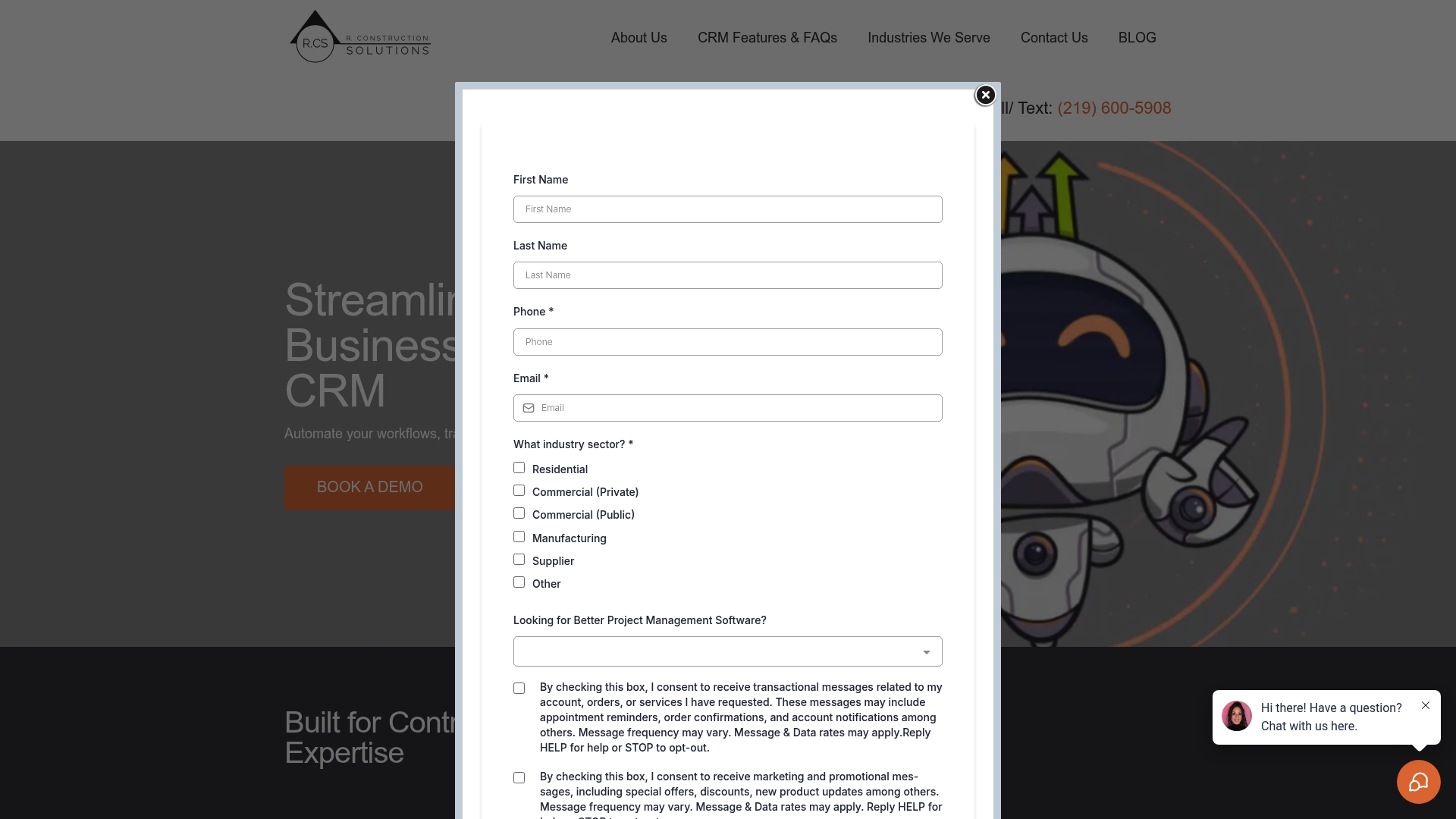
Ready to leave behind generic platforms that don’t speak contractor language? Visit Highlevelcrm-rconstructionsolutions to explore how this construction-focused CRM can reduce errors and free up your office staff. Take action today and automate your lead follow-up process so you convert more bids into paid projects faster.
Frequently Asked Questions
What specific feature makes Highlevelcrm-rconstructionsolutions well-suited for contractor workflows?
Highlevelcrm-rconstructionsolutions offers automated workflows that significantly reduce manual handoffs and repetitive tasks. This feature helps contractors streamline their processes, which can lower error rates during transitions between sales and project teams. To improve efficiency in your contracting firm, consider implementing Highlevelcrm-rconstructionsolutions for its tailored automation.
How does Highlevelcrm-rconstructionsolutions compare to CoConstruct for project management?
CoConstruct excels in long-term project archiving and client communication, providing builders with organized documentation and task management capabilities. In contrast, Highlevelcrm-rconstructionsolutions is designed specifically to integrate CRM functions with estimating and bid processes, which is particularly beneficial for contractors focused on lead management. If your primary need is addressing estimating and job handoff, Highlevelcrm-rconstructionsolutions may be the better choice.
Which platform offers better integration with field tools for construction?
Highlevelcrm-rconstructionsolutions features notable integrations with popular construction tools like ProCore and BuilderTrend, facilitating data synchronization. This integration-first approach ties lead tracking directly to estimating and bids, which can enhance operational efficiency. Consider trying Highlevelcrm-rconstructionsolutions to benefit from this streamlined data management process.
Can Highlevelcrm-rconstructionsolutions support small construction firms that require full project management tools?
Highlevelcrm-rconstructionsolutions focuses primarily on CRM and workflow automation, making it less suitable for firms seeking a complete ERP solution. While it provides excellent CRM features, the lack of full project management capabilities means smaller firms needing comprehensive tools might require to look at alternatives. You might want to evaluate your specific project management requirements before settling on Highlevelcrm-rconstructionsolutions.
What metrics do users report after implementing Highlevelcrm-rconstructionsolutions?
Users have reported up to a 35% increase in lead conversion rates after adopting Highlevelcrm-rconstructionsolutions. This significant uptick highlights the platform’s effectiveness in improving follow-up processes and integrating bid data. If increasing your lead conversions is a priority, consider the advantages offered by Highlevelcrm-rconstructionsolutions.