
Top 3 monday.com Alternatives in 2026
Managing complex construction sales and project relationships becomes unworkable when generic CRM tools lack built-in bid tracking, jobsite integrations, and industry-ready reporting templates. Major platforms like monday.com often force construction teams to rebuild workflows from generic sales databases or pay steep premiums for customization and advanced automation. This comparison details pricing, integration depth, and workflow coverage across three construction-focused CRM solutions so you can pick one that actually matches your estimating, bidding, and client communications needs.
Table of Contents
High Level CRM
At a Glance
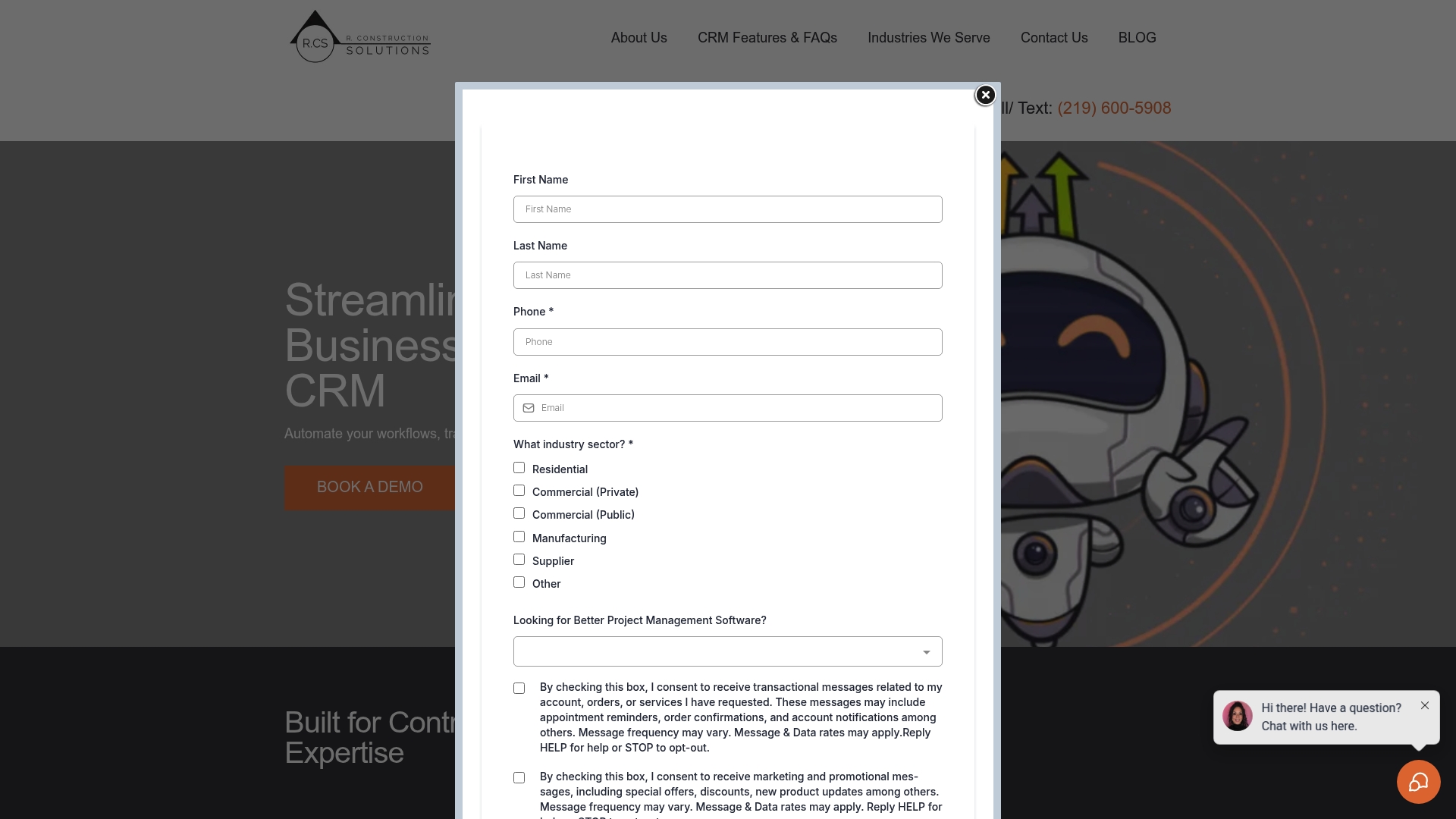
Built on over 30 years of construction experience, High Level CRM packages workflows and customer data specifically for contractors, suppliers, and consultants. It focuses on lead tracking, automated follow-ups, and reporting dashboards that reflect construction phases and bid cycles.
The platform advertises prebuilt links to tools you already use on site and in estimating, which shortens integration effort for teams used to construction software.
Core Features
- Lead & client management with centralized tracking that keeps inquiries, estimates, and project notes in a single timeline.
- Automated workflows for follow-ups, bid reminders, and onboarding sequences that reduce manual steps across the sales funnel.
- Custom reporting dashboards designed to show project performance, conversion funnels, and backlog by job type.
- Email and SMS campaigning tools for targeted outreach and client updates.
- Connectors to construction platforms and takeoff tools for two-way data flow.
Key Differentiator
High Level CRM is built from over three decades of construction experience and preconfigures its data model around common contractor workflows. That industry-first focus means the platform starts with fields and reports contractors need rather than generic sales objects you must rebuild.
Pros
- Centralized lead tracking stops prospects from falling through the cracks. When bids are time-sensitive, having one record per lead matters.
- Automation reduces repetitive work. The vendor’s workflow templates accelerate follow-up sequences and reduce manual entry into estimating spreadsheets.
- Rapid setup and onboarding with support shortens time to value for teams that want to move off spreadsheets quickly.
- Custom dashboards give project managers sight into conversion rates, backlog, and open bids without building reports from scratch.
- Integrations with common construction tools let estimating and project teams keep working in their preferred apps while CRM records stay current.
Cons
- Dependent on an external platform for hosting and some services, so third-party uptime and performance are outside High Level CRM’s direct control.
Notable Integrations
- ProCore
- BuilderTrend
- Bluebeam
- On Screen Takeoff
- Twilio
These connectors reduce double entry between estimating, project management, and client communications.
Who It’s For
Construction contractors, suppliers, consultants, and manufacturing firms that need a CRM shaped around bids, projects, and subcontractor relationships. Particularly useful for teams that want prebuilt reports and connectors to the construction stack rather than rebuilding templates from a blank slate.
Unique Value Proposition
Includes prebuilt connectors to major construction platforms such as ProCore and BuilderTrend, plus reporting templates that match common job types. That combination lets estimating, sales, and project teams share a single source of truth without rewriting integration logic or custom reports.
Real World Use Case
According to the vendor, a residential contractor automated lead follow-up and reported a 35% increase in conversion rates, a 50% drop in inquiry response time, and a 20% revenue lift within six months. That case shows how automated follow-ups plus targeted campaigns can change lead velocity for field-focused businesses.
Pricing
Pricing details are not published in the product data; the listing is informational only. Expect custom quotes based on seat counts, integrations, and any professional setup required for advanced customization.
Website: https://highlevelcrm-rconstructionsolutions.com
Asana
At a Glance
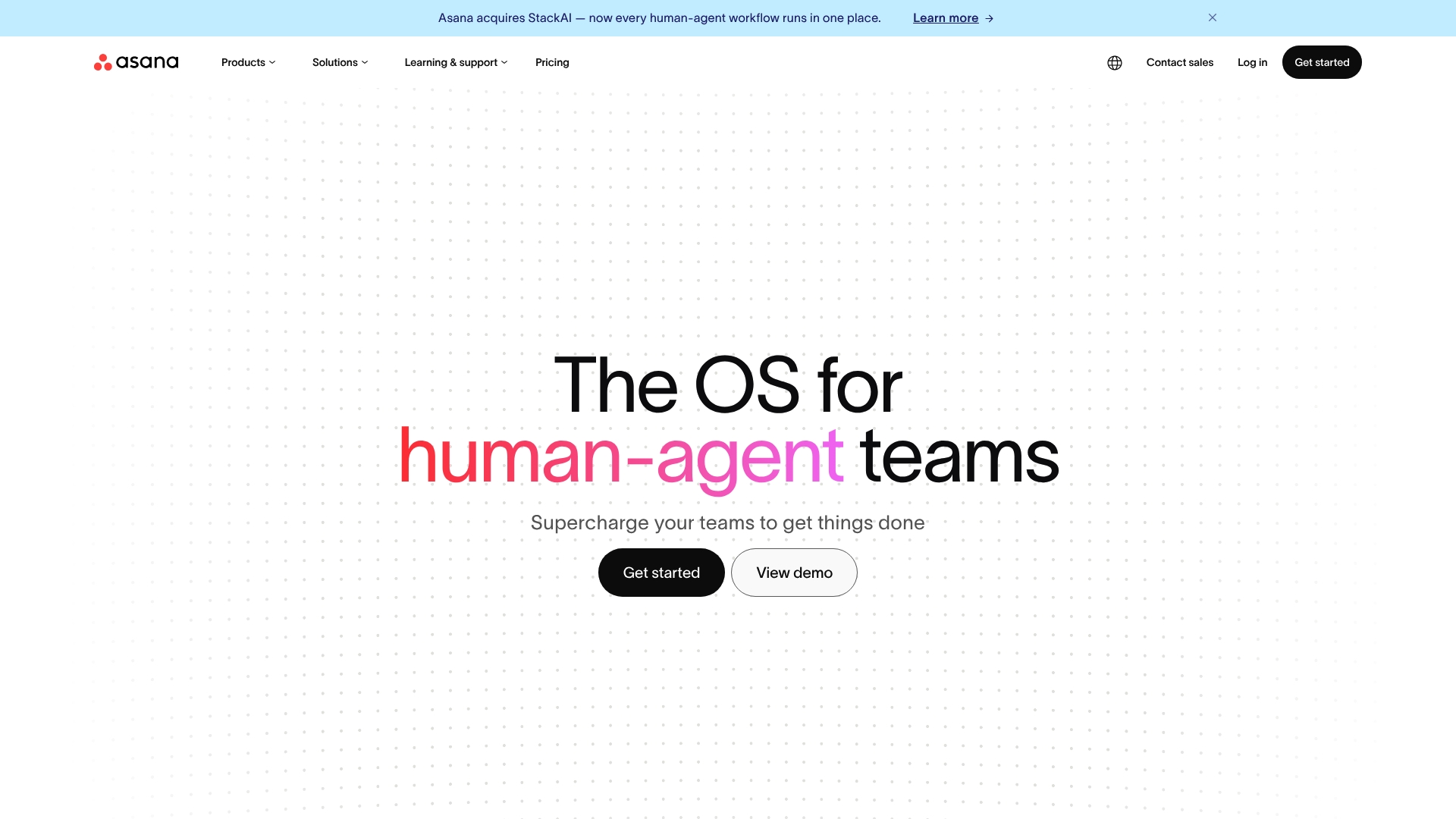
Pre-built AI agents and an AI Studio let teams build automations without writing code, moving routine work off peoples’ plates. The platform pairs task and goal data in a shared graph so dependencies and outcomes stay visible across teams.
Core Features
A central Shared Work Graph links tasks, goals, and dependencies so progress and blockers appear in context rather than siloed lists.
- AI Teammates automate repetitive actions and suggest next steps across projects.
- Visual project views include lists, boards, timelines, and real-time progress tracking for goal alignment.
- Enterprise governance features provide permissions, audit trails, and data security controls.
Key Differentiator
Asana combines human work and AI assistants inside a single Work Graph so teams can hand repeatable flows to AI while leaders keep sight of goals. The vendor’s marketing materials state Asana has been recognized by analyst firms for enterprise work management, which aligns with its emphasis on governance and scale. Compared with Highlevelcrm-rconstructionsolutions, Asana targets broad cross-department coordination rather than contractor-specific workflows.
Pros
-
Intuitive interface that gets nontechnical stakeholders contributing fast, reducing onboarding friction for cross-functional teams.
-
Powerful automation options. The AI Studio plus pre-built agents cut manual routing and approvals for common processes.
-
Strong visibility. The Work Graph and goal tracking give PMs a single place to trace dependencies and progress across projects.
-
Extensive integration ecosystem, which keeps work connected to tools teams already use instead of forcing exports.
Cons
-
Premium tiers are expensive for smaller teams; advanced AI and governance features sit behind higher-priced plans.
-
The platform can feel dense for very complex projects, with many configuration choices that require governance to avoid chaos.
-
New users face a noticeable learning curve before they can craft effective automations and reports.
When It May Not Fit
If you operate a small contractor business with tight budgets, Asana’s pricing and setup overhead may outweigh its benefits.
If your projects need strictly industry-specific workflows and built-in construction integrations, a vertical solution like Highlevelcrm-rconstructionsolutions will likely fit better.
Organizations that need fast, out-of-the-box jobsite forms and lead-to-close construction flows should look elsewhere.
Notable Integrations
- Slack
- Google Workspace
- Microsoft Teams
- Salesforce
- Zapier
- Dropbox
- Adobe Creative Cloud
Who It’s For
Mid-sized and large organizations that require scalable work management, enterprise governance, and the ability to apply AI across processes. Best when multiple departments must coordinate on shared goals and automation can replace repetitive handoffs.
Real World Use Case
A multinational marketing agency coordinates creative, legal, and paid media teams in Asana. AI Teammates handle routine tagging and handoffs, the Work Graph surfaces dependency risks, and global teams maintain brand compliance through governed templates.
Pricing
Asana offers a free tier plus paid plans with tiered pricing that scale by feature set and organization needs. Advanced AI, governance, and enterprise controls appear on higher tiers and enterprise agreements.
Website: https://asana.com
Wrike
At a Glance
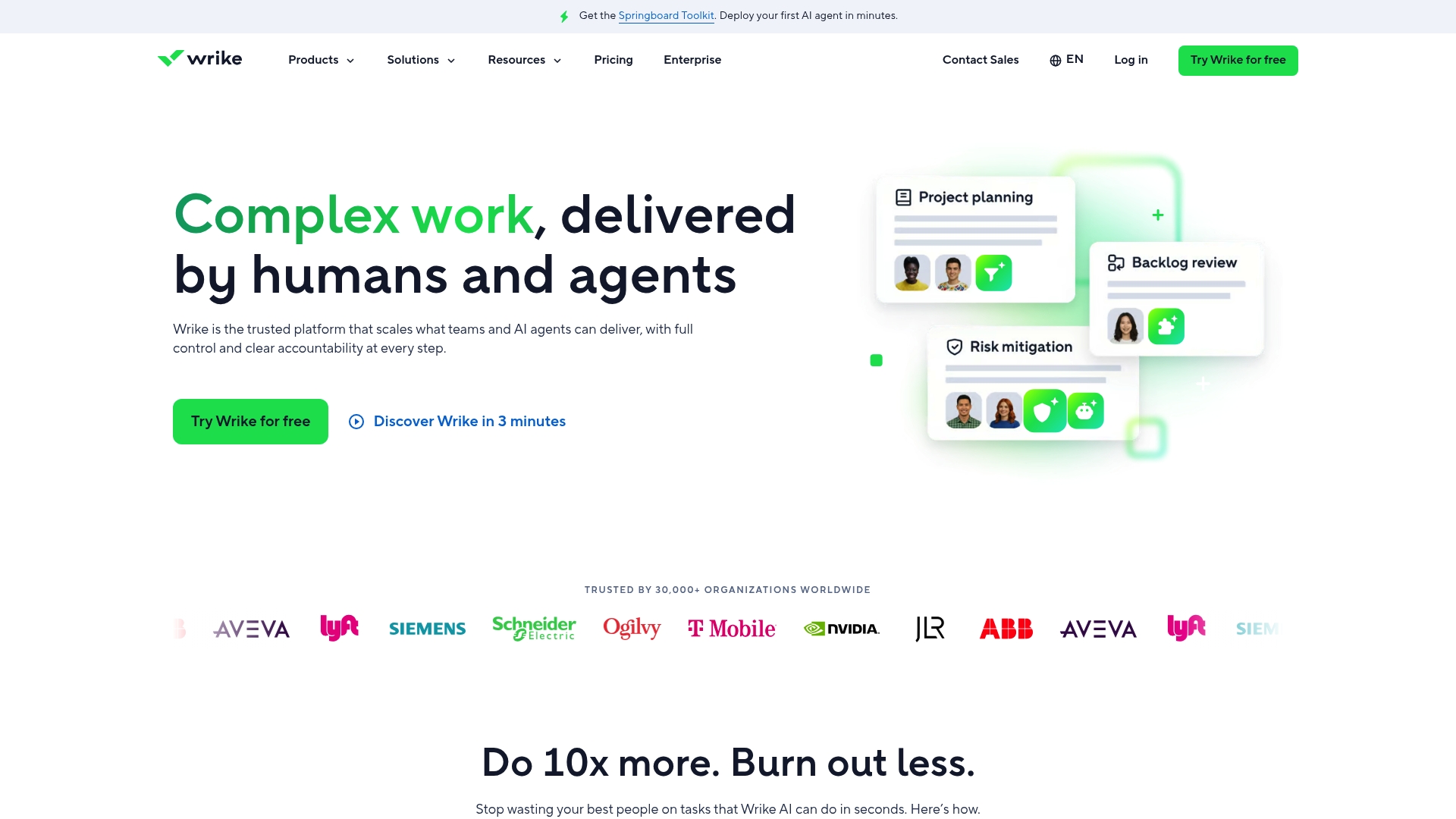
Wrike’s marketing materials report it is used by more than 30,000 organizations, a scale that explains why the product focuses on enterprise controls and compliance. Expect an emphasis on planning, resource allocation, and automation rather than a minimal checklist tool.
Core Features
Wrike provides Gantt charts, Boards, and tabular views for different planning styles. Custom dashboards let teams assemble project views tailored to roles and metrics.
The platform includes resource and capacity planning, workflow automation, file attachments, and advanced reporting that ties into business intelligence tools. Prebuilt templates speed repetitive operations.
Key Differentiator
Wrike centers on deep enterprise capabilities with AI automation and heavy customization for complex workflows. That combination targets teams that need configurable approvals, scheduled automations, and data flows between tools rather than off-the-shelf simplicity.
Pros
-
Strong task and project tracking that handles multi-dependency schedules and nested work effectively, useful for long product roadmaps.
-
Custom dashboards let program managers build role-specific views and surface KPIs without external reporting tools.
-
Resource and capacity planning gives planners a single place to check allocations across teams and spot overbooking early.
-
Integrates with common business tools so handoffs from marketing, engineering, and creative teams happen inside the same work items.
-
Automation features reduce repetitive approvals and status updates, freeing project coordinators from routine manual steps.
Cons
-
Higher cost than many competitors, which can make budgets hard to justify for small teams.
-
A steep learning curve for users new to enterprise-grade work management; administrators typically need formal configuration time.
-
Performance can slow when projects grow very large, with noticeable lag in dense boards or heavy reporting pages.
-
Some labeling and parent-item inheritance behaviors are tedious and require careful setup to avoid data inconsistencies.
When It May Not Fit
Small teams or groups that want minimal setup and fast adoption will find Wrike heavy. If you need simple task lists or per-seat pricing under tight budgets, a lighter tool will match day-to-day needs better than Wrike’s enterprise focus.
Notable Integrations
- Salesforce
- Jira
- Slack
- Google Drive
- Adobe Creative Cloud
- Microsoft Teams
- Dropbox
These integrations support cross-functional workflows and reduce the need for manual file transfers.
Who It’s For
Large organizations and program-level teams that manage multi-department initiatives, compliance requirements, and planned releases. Ideal where customization, automation, and role-based controls are priorities rather than minimal onboarding time.
Real World Use Case
A multinational manufacturing firm coordinates product development across engineering, procurement, and manufacturing using Wrike. Automation routes approvals, resource planning balances workload across sites, and analytics dashboards inform leadership about timeline risk.
Pricing
Wrike offers paid plans with tiered enterprise options and a free entry tier for very basic features. Detailed pricing and enterprise quotes are available on the vendor site; expect per-feature and per-seat variance at higher tiers.
Website: https://wrike.com
Construction CRM Software Comparison
When choosing a construction CRM, consider how each platform’s features and integrations cater to your workflow needs.
| Product Name | Highlights | Key Feature | Pricing | Limitation |
|---|---|---|---|---|
| Highlevelcrm-rconstructionsolutions | Tailored for contractors and construction workflows | Prebuilt reports and integrations specific to construction tools | Not disclosed | Dependent on third-party platform hosting |
| Asana | Cross-functional task management with AI tools | AI Studio and Shared Work Graph | Free and tiered plans | Dense configuration choices might complicate use |
| Wrike | Enterprise project and resource management | Advanced dashboards and capacity planning | Not disclosed | Requires formal setup for effective onboarding |
Discover a Tailored CRM Solution Beyond monday.com Alternatives
Choosing the right project management tool can feel overwhelming when you face generic solutions that don’t match the exact needs of contractors and construction teams. Highlevelcrm-rconstructionsolutions is built for you with over 30 years of industry experience, offering automated lead tracking, streamlined workflows, and custom reporting dashboards designed specifically to address the challenges outlined in the search for monday.com alternatives.
Don’t let disconnected tools slow your business down. Visit Highlevelcrm-rconstructionsolutions today to access a CRM that reduces errors, boosts lead conversion by up to 35%, and integrates directly with construction-specific platforms. Take control with a system designed just for contractors and start managing bids and projects with greater confidence.
Frequently Asked Questions
How does Highlevelcrm-rconstructionsolutions enable effective lead tracking for construction projects?
Highlevelcrm-rconstructionsolutions offers centralized lead and client management that maintains inquiries, estimates, and project notes in a single timeline. This streamlined approach stops prospects from falling through the cracks, which is critical when bids are time-sensitive. Teams should expect improved organization and a more focused follow-up strategy.
What is the difference between Highlevelcrm-rconstructionsolutions and Asana for construction teams?
Asana is recognized for its strong enterprise governance features and broad task management capabilities that support cross-department coordination. In contrast, Highlevelcrm-rconstructionsolutions is built specifically for contractors, offering prebuilt reports and connectors tailored to construction workflows. This makes Highlevelcrm-rconstructionsolutions a better fit for construction teams focused on bids and projects.
Which platform is more suitable for automated workflows, Highlevelcrm-rconstructionsolutions or Wrike?
Highlevelcrm-rconstructionsolutions provides automated workflows specifically designed for follow-ups, bid reminders, and onboarding sequences that reduce manual steps across the sales funnel. Wrike, while capable in project management, is more focused on enterprise-level automation and may involve complex configurations. For construction-focused teams looking to streamline repetitive tasks, Highlevelcrm-rconstructionsolutions offers a more direct solution.
Can I expect quick onboarding with Highlevelcrm-rconstructionsolutions compared to other platforms?
Highlevelcrm-rconstructionsolutions is designed for rapid setup and onboarding, allowing teams to transition from spreadsheets quickly. The support provided during this onboarding process is aimed at shortening time to value, which is especially beneficial for construction teams in need of swift deployment. Expect less friction in getting your team up and running compared to other alternatives.
Does Highlevelcrm-rconstructionsolutions integrate with other construction tools?
Yes, Highlevelcrm-rconstructionsolutions integrates with major construction platforms like ProCore and BuilderTrend, facilitating two-way data flow. This capability significantly reduces double entry between estimating, project management, and client communications. Teams can continue using their preferred applications while maintaining up-to-date CRM records.