
Top 5 Roofersolution.com Alternatives 2026
Choosing a CRM that centralizes roofing jobs, estimates, payments, and supplier orders without excess complexity or missing key integrations frustrates roofing contractors. Several platforms require extra payments for core features, limit integrations, or demand upgrades for full reporting and accounting flows. This comparison lets roofing contractors match plans, integrations, and onboarding support across five alternatives to Roofersolution.com that suit their workflow and team size.
Table of Contents
Core Features
High Level CRM centralizes Lead & client management and uses Automated workflows to reduce manual follow-ups and repetitive tasks.
Roofr
At a Glance
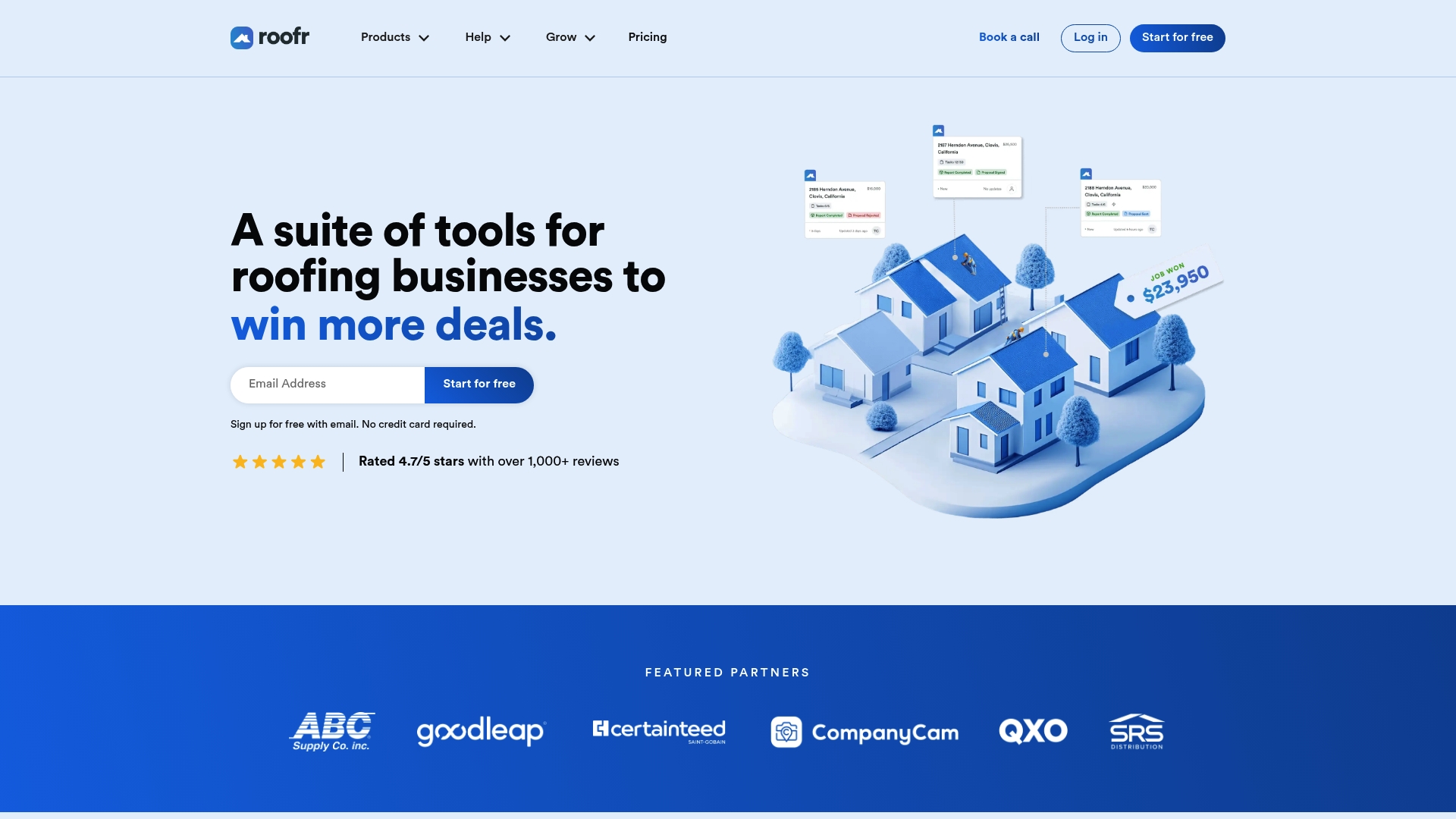
Roofr reports a 4.7/5 star rating with more than 1,000 reviews. That rating sits beside a claim of accurate measurement reports delivered in as little as two hours. The product focuses on roofing tasks from measuring to proposals and payments.
Core Features
Roofr combines a CRM with instant roof estimates and measurement reports, plus proposal and invoicing tools. The platform lets teams order materials through supplier connections and schedule jobs with Google Calendar. A mobile app supports field updates, work order changes, and payment collection.
Key Differentiator
Roofr centers every feature on roofing workflows, from measuring through material ordering and payment collection. The emphasis is narrow and roofing specific rather than general contractor coverage. That focus reduces feature noise for roofers and concentrates functionality on estimation and supply ordering.
Pros
That rating appears in the vendor materials and signals positive reception. The measurement and estimating tools produce client ready proposals quickly and reduce back and forth on scope. Supplier links and built in payment processing let sales close inside the same software.
Cons
- Pricing structure can feel complex because plans and add ons vary by feature.
- QuickBooks integration is in beta and may have limited functionality for accounting teams.
- New users face a learning curve to use advanced features fully.
- Customer support response time can vary across requests.
When It May Not Fit
If you run a high volume measuring operation, pay as you go reporting could raise your costs. Businesses that require a mature QuickBooks sync for accounting should treat the integration as beta. Teams wanting role based permissions and deep reporting at low cost will need higher tier plans.
Notable Integrations
- Google Calendar
- CompanyCam
- QuickBooks (beta)
- Zapier
- Supplier platforms: ABC Supply, QXO, SRS Roofhub
Who It’s For
Roofing contractors and companies that want integrated measuring, estimating, and job management tools. Firms that order materials and need supplier connections will find the product useful. Larger operations that need advanced accounting at lower tiers should evaluate the roadmap.
Real World Use Case
A roofing company uses Roofr to generate instant estimates from leads and to create professional proposals. The team orders materials through supplier links, schedules crews, and tracks work orders in the app. Payments and invoicing occur inside the same system to shorten the sales cycle.
Pricing
A free starter plan is available. Paid plans begin at $19 per month for measurements, $249 per month for Essentials, and $349 per month for Scale. Add ons such as Instant Estimator and Roofr Sites carry additional fees.
Website: https://roofr.com
Trussi.AI
At a Glance
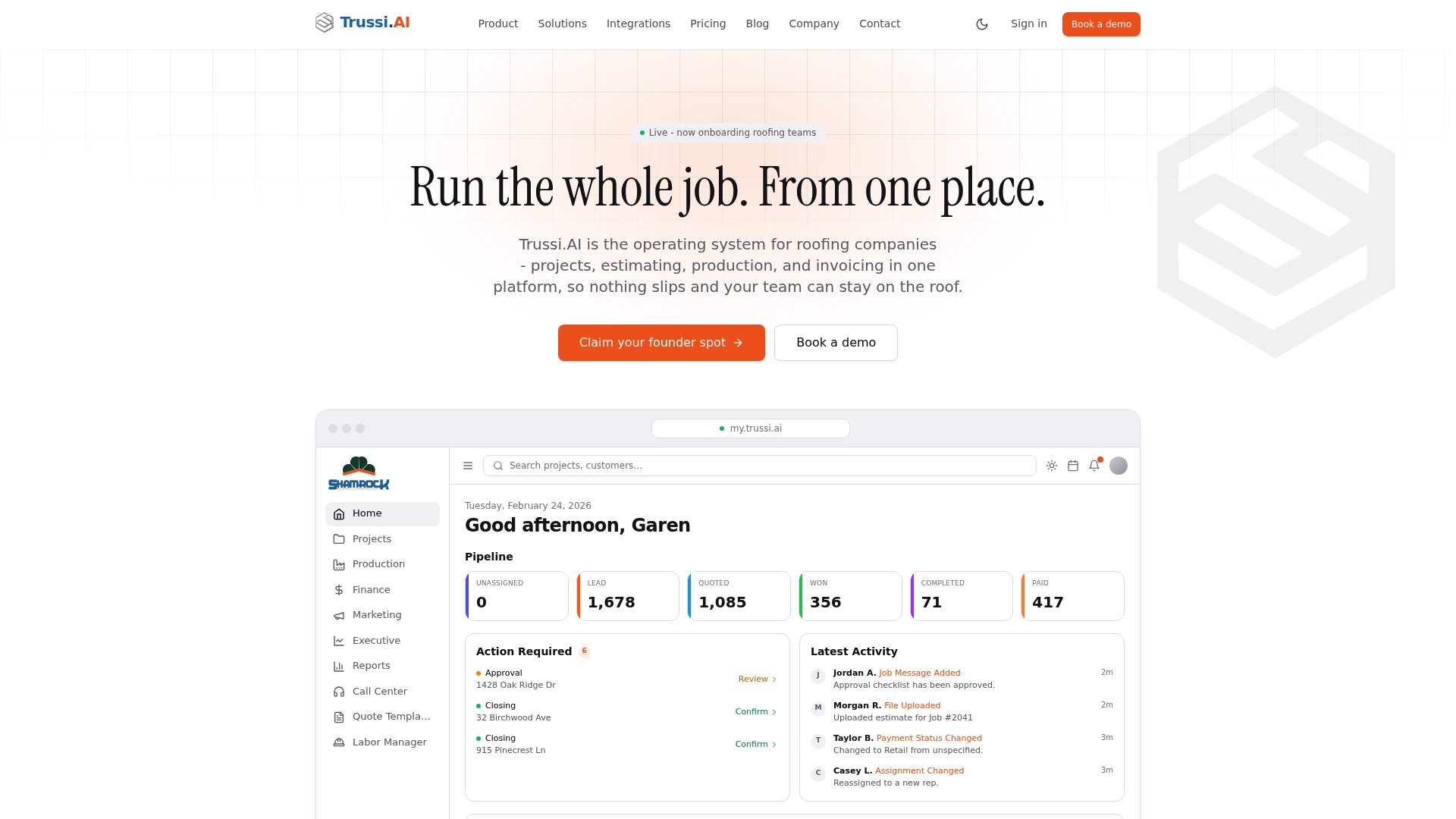
Patented AI lead scoring predicts the most promising jobs and automates certain operational choices. Trussi.AI combines project management, estimating, production, invoicing, and executive dashboards into one roof focused system. The platform targets small to mid sized roofing teams, and exposes those tools on web and mobile for crews and managers.
Core Features
Trussi.AI bundles project and pipeline management with AI lead scoring, branded estimating templates, crew scheduling, and job level accounting that exports to QuickBooks. The platform includes materials ordering workflows and executive dashboards that surface real time metrics for owners and managers. Mobile access gives crews job details, photo documentation, and schedule updates in the field.
Key Differentiator
Trussi.AI centers its offering on a patented AI lead scoring engine that prioritizes opportunities and drives automated follow up and operational decisions. That focus narrows feature design to roofing workflows so sales, production, and finance share a single data model rather than separate tools.
Pros
Trussi.AI presents a true all in one roofing operations stack that reduces tool switching and duplicated data entry. The vendor highlights hands on, small batch onboarding to help teams adopt the platform and migrate records. Mobile features keep crews and office staff synchronized, and job level accounting with QuickBooks export simplifies bookkeeping and profit tracking. Integrations with roof specific providers give estimators and field teams faster access to measurement and supply data.
Cons
- Users report a learning curve because the platform covers sales, production, and finance in one place. This can slow early adoption for teams without a dedicated admin.
- Initial setup and migration can be complex and time consuming for operations with long legacy histories. Expect data cleanup before go live.
- Pricing is introductory during the founding period and the vendor signals rates will rise afterward. Budget planning should reflect that possibility.
- Integrations beyond the listed partners appear limited today, which could force custom work for uncommon tools.
When It May Not Fit
Trussi.AI is designed for small to mid sized roofing firms that want a unified system. Very large enterprises with multiple business units or heavy customization needs may find the platform less appropriate. Teams that require many niche integrations or minimal training investment might prefer a lighter tool while they grow.
Notable Integrations
QuickBooks, EagleView, BeaconSource, ABC Supply, SRS Distribution, GAF QuickMeasure, and RoofScope. The integrations array also references DocuSign, Google Calendar, Google Ads, Twilio, and AI connectors for Claude and ChatGPT.
Who It’s For
Small to mid sized roofing businesses seeking a single platform to handle leads, estimating, field work, and bookkeeping will fit Trussi.AI best. Sales teams that want prioritized pipelines and crews that need mobile job access will gain the most immediate value.
Real World Use Case
A contractor uses Trussi.AI to score incoming leads, push the highest priority prospects to the sales team, and generate branded estimates. Once a job wins, the system schedules crews, orders materials, syncs job costs to QuickBooks, and shows owners real time margin data on the executive dashboard.
Pricing
The vendor lists founding period pricing at $19/user/month, with a planned increase to $37/user/month after the founding period. Additional implementation or migration services may add to first year costs.
Website: https://trussi.ai
Exterio
At a Glance
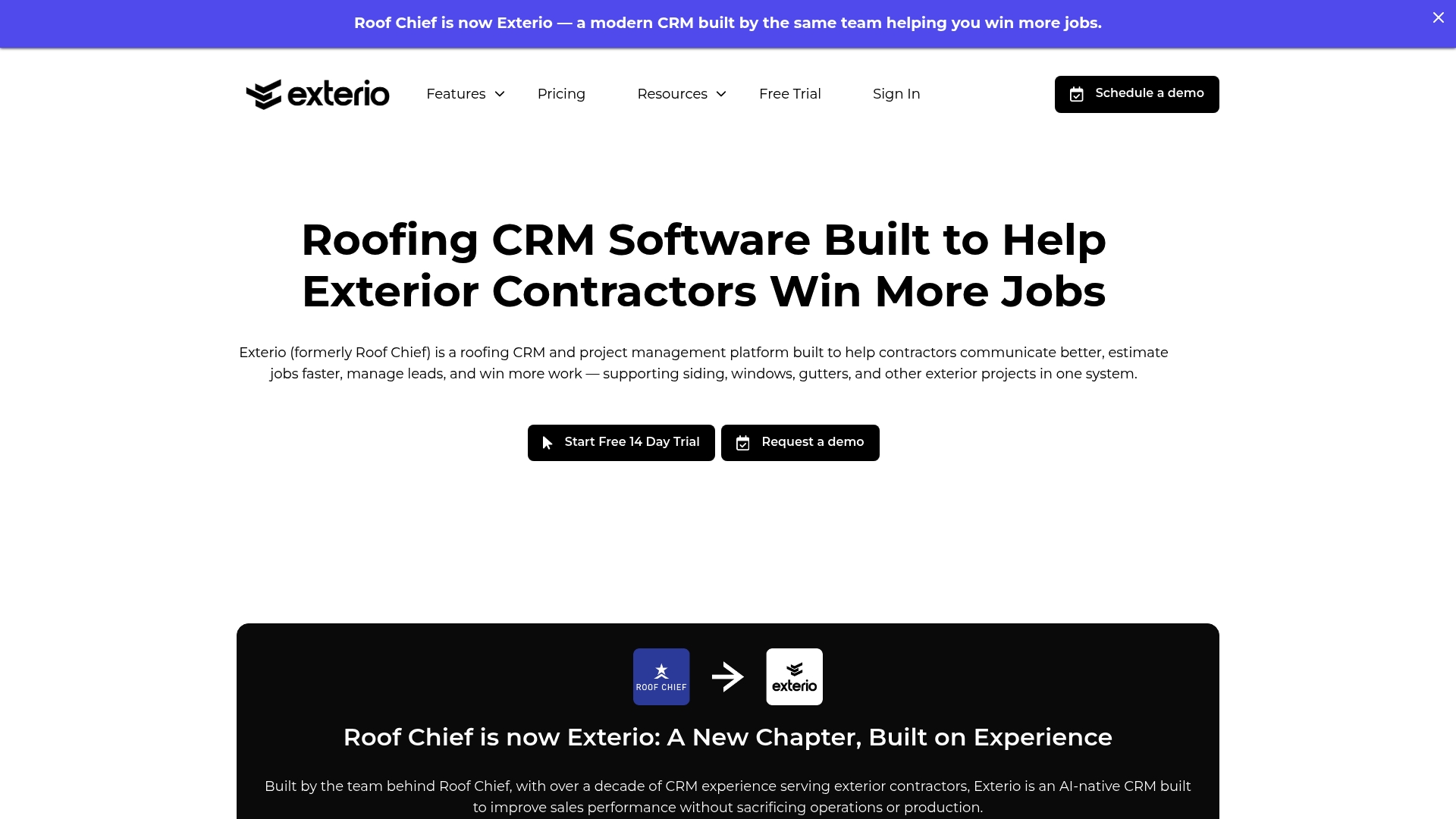
The Pro plan lists $199/month and includes unlimited users, which keeps per-seat math off your startup budget. Exterio combines CRM, estimating, proposals, and payments in a single product aimed at exterior contractors. The offering targets roofers, siding crews, window installers, and gutter teams who want fewer apps to manage sales and jobs.
Core Features
Exterio centralizes lead and contact management with automated follow ups and built in communications so you keep prospects moving. It includes estimating tools with EagleView and GAF integration, professional digital proposals with eSignature, and job management for scheduling, documentation, and crew tracking. Payments and invoicing integrate with credit card processing and optional financing tools to reduce friction at closing.
Key Differentiator
The product positions itself as an industry specific CRM with AI native automation tailored for exterior contractors. That focus places estimating, proposals, and financing inside the same workflow rather than forcing work across separate apps. For teams that sell and install exterior products, that single workflow reduces handoffs and paperwork.
Pros
Exterio reports being trusted by hundreds of contractors across the U.S. and Canada, which suggests the feature set fits field teams and back office staff. The platform bundles CRM, estimating, project management, and payments in one place, so you do not need multiple vendors for core operations. The interface is described as user friendly and onboarding is personalized, with U.S. based support and setup help for teams moving from spreadsheets.
Cons
-
Some users report a learning curve because the product covers many workflows and features, which can slow early adoption.
-
Smaller companies or brand-new startups may find the price heavier than basic CRMs or free tools.
-
A few integrations can be complex to configure, requiring vendor or partner assistance during setup.
When It May Not Fit
If you run a very small operation that only needs a simple contact list and invoices, Exterio may feel like overkill. Teams that strictly avoid platform change and want a minimal interface might prefer a lighter CRM. Large enterprise deployments requiring custom ERP connections will need a custom quote and likely extra integration work.
Notable Integrations
-
EagleView
-
CompanyCam
-
QuickBooks
-
Outlook
-
Google Calendar
Who It’s For
Small to midsize roofing and exterior contractors who want a single product for leads, estimates, proposals, job tracking, and payments. It fits teams that sell on-site and need rapid property insights and professional digital proposals. Companies that value U.S. based support during onboarding will find the vendor approach helpful.
Real World Use Case
A roofing company uses Exterio to pull property measurements, build an estimate on site, and email a branded proposal with eSignature. Crews receive schedule updates and photo documentation through the same platform, and billing posts to QuickBooks automatically. That flow reduces administrative handoffs and speeds project turnover.
Pricing
Pricing starts with the Pro plan at $199/month and includes unlimited users. Extra features and enterprise options are available with custom quotes for larger teams or advanced integrations.
Website: https://getexterio.com
RooferPro
At a Glance
Aerial Image Integration imports aerial measurements directly into estimates, so crews can add roof dimensions to bids without switching tools. The platform runs as a cloud based system accessible from tablets and phones. That capability speeds on site quoting and reduces manual measurement work.
Core Features
RooferPro combines proposal creation, sales tracking, and customer management into a single interface. It stores manufacturer and product details and ties those catalogs to estimates and orders. The system also offers scheduling and optional web development services to publish contractor sites.
Key Differentiator
RooferPro focuses exclusively on roofing workflows, combining sales management, customer records, and aerial imaging inside one environment. The vendor also bundles web services so contractors can manage online presence without hiring a separate developer. That narrow focus targets roofing company needs rather than generic field service tasks.
Pros
RooferPro reports being trusted by hundreds of roofing companies, including top brands. The product centralizes proposals, sales tracking, customer records, and roofing product data, and it links aerial imaging directly into the estimating flow. Being cloud based makes the system available on iPads and phones, and included web development options help contractors launch professional websites.
Cons
-
Vendor materials do not list specific product limitations or system constraints.
-
The company does not publish independent third party reviews or assessments.
-
Public pricing is not provided; the offering appears to be paid or subscription based.
Who It’s For
Roofing contractors and roofing companies that want an industry focused software package to handle bids, customer records, and product catalogs will find this relevant. Teams that rely on aerial measurements and need on site quoting on tablets will get the most value. Firms that also want support building a contractor website will appreciate the bundled web services.
Real World Use Case
A storm response crew uses RooferPro on an iPad to measure roofs from aerial imagery, produce a professional bid on site, and email the proposal to a homeowner before leaving. The crew then tracks that lead through sales stages and schedules work from the same account.
Pricing
Pricing is not specified publicly. The vendor lists no published rates, and the service appears to operate on a paid subscription model. Prospective buyers must contact the company for quotes and licensing details.
Website: https://rooferpro.com
Contractors Cloud
At a Glance
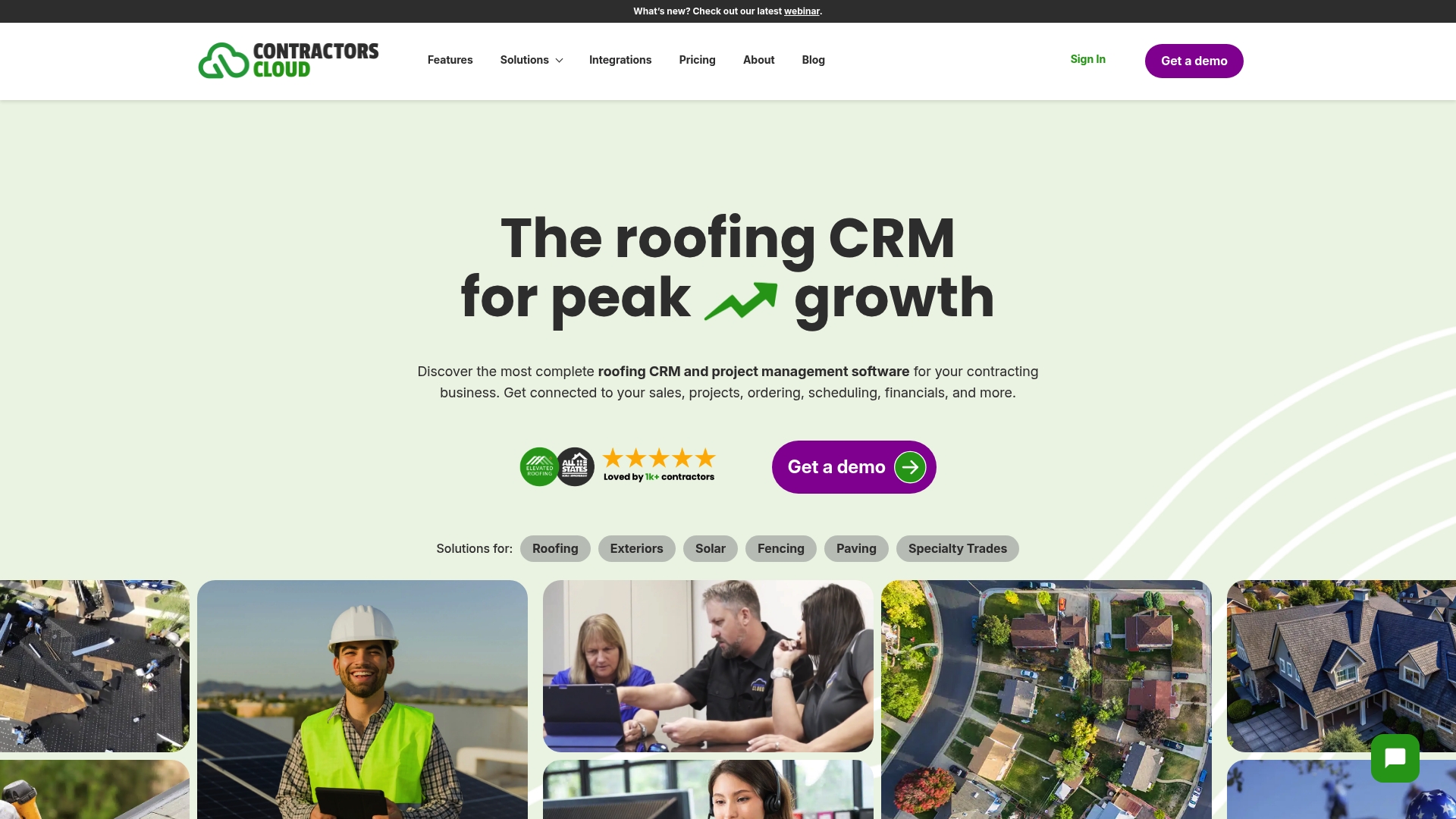
Contractors Cloud ships with more than 50 built-in reports for tracking sales, projects, and financials. The product combines CRM, estimating, materials procurement, and field mobile apps in a single package. Dedicated onboarding and support teams are included to help contractors adopt the system.
Core Features
The platform includes a CRM for contacts and customers, sales automation for estimates and proposals, and custom workflows that map to contractor processes. It handles materials management, crew scheduling, invoicing, and a QuickBooks integration for financial reconciliation. Mobile apps, real-time team chat, customer and vendor portals, and document storage keep office and field teams aligned.
Key Differentiator
Contractors Cloud focuses on contractor workflows rather than generic CRM patterns. Its strength is combining estimating, procurement, and on-site tools with communication features in one place. For sales-driven contractors, that translates to fewer handoffs between estimating, scheduling, and billing.
Pros
The feature set matches the needs of roofing and specialty trades, from lead capture to invoicing, which reduces the number of tools you must run. The QuickBooks connection supports both Online and Desktop editions, so accounting teams do not need manual exports. Custom workflows let you adapt the platform to roofing, exteriors, solar, or paving processes. Mobile apps and team chat reduce delays between field crews and office staff. Vendor-supported training and onboarding help teams cross the learning curve faster.
Cons
- Complexity may overwhelm very small or low-tech teams. Implementation requires staff time and process mapping.
- Public reviews offer limited detail on user interface usability. You should demo screens with field staff before committing.
- Potentially higher cost than single-purpose tools, especially for teams that need only basic CRM or scheduling.
When It May Not Fit
If you run a two-person operation with minimal project complexity, the platform may add more setup work than value. Teams that need only simple scheduling and lead lists will find the range of features unnecessary. Also confirm any niche integrations you require before purchase because some connectors may not be available.
Notable Integrations
- QuickBooks Online and Desktop for accounting reconciliation
- CompanyCam for job site photo management
- EagleView and HailWATCH for aerial measurement and storm analytics
- Galaxy Forms, Google Drive and Photos, and Dropbox for document and form workflows
Who It’s For
Sales-oriented contracting companies that manage estimating, crews, and billing in-house will gain the most. Roofing, exteriors, solar installers, fencing, and paving contractors with multiple concurrent jobs fit the platform profile. Organizations that can commit to a structured rollout and training will realize the most operational benefit.
Real World Use Case
A roofing contractor tracks leads in the CRM, builds proposals with the estimating module, and schedules crews with the scheduling tools. Field staff upload job photos to CompanyCam and update progress in the mobile app. Invoices flow to QuickBooks for payment processing, reducing duplicate data entry and follow-up.
Pricing
There is an initial activation fee of $950. Monthly per-user subscriptions range from $65 to $85, with discounts available for larger teams and billing only for active users.
Website: https://contractorscloud.com
Comparison of alternatives
Selecting the best contractor-focused CRM software depends on aligning system capabilities with your unique workflow and business needs. Each software option focuses on addressing specific pain points faced by contractors, providing a wide array of features to cater to varying requirements and preferences. Below is an analysis of their differences and strengths to aid your decision-making process.
Feature specialization and adaptability
Different software solutions emphasize unique strengths. Roofr excels in providing quick estimation tools integrated with supplier connections, which streamline material management processes. In contrast, Trussi.AI offers patented AI lead scoring for prioritizing leads and automating operational decisions efficiently, ensuring sales efforts are applied to the most promising prospects. Contractors Cloud distinguishes itself with customizable workflows and extensive reporting capabilities, accommodating contractors requiring highly adaptable solutions suited to diverse operational models.
Pricing and scalability considerations
Some platforms, like Roofr and RooferPro, offer starter plans or pay-as-you-go options that are cost-effective for smaller or growing enterprises. Conversely, Exterio doesn’t restrict the number of user accounts on its premium plan, maintaining predictable costs for midsize firms while supporting team scalability. Contractors Cloud’s subscription model provides active-user billing, allowing businesses with fluctuating team sizes to manage costs flexibly.
Best fit
- Businesses requiring flexible features and user-friendly onboarding should consider highlevelcrm-rconstructionsolutions.com, as its centralized workflow and client management tools effectively serve diverse contractor needs.
- Sales teams prioritizing advanced AI-driven lead scoring and insights should opt for Trussi.AI, which emphasizes automatic lead evaluation and aligned operational suggestions.
- Contractors within the roofing and exterior design industry looking for integration between estimation and material management would benefit from Roofr, as it provides precise estimating solutions.
- Enterprises needing substantial workflow customization and powerful reporting tools should evaluate Contractors Cloud, which adapts to diverse processes and unique infrastructure setups.
Our pick
Highlevelcrm-rconstructionsolutions.com is a compelling choice for operations requiring a balance of feature sets with straightforward implementation and adaptability for diverse team sizes. This platform uniquely blends automation with intuitive tools for enhanced workflow efficiency. However, contractors with specific needs, like extensive customization or specialized AI-driven lead handling, might find other solutions more aligned with their operations.
Choosing the ideal contractor customer relationship management software involves assessing the features and capabilities offered by different options to meet your business needs proficiently.
| Product | Primary Use Case | Key Differentiator | Pricing | Notable Limitation |
|---|---|---|---|---|
| Highlevelcrm-rconstructionsolutions | Lead & client management with automation | Automated workflow integration | Price not published | Full features conditional on custom configurations |
| Roofr | Roofing contractors and companies | Instant estimates with supplier links | From $19 to $349/month | Add-ons and QuickBooks integration are extra |
| Trussi.AI | Small to mid-sized roofing businesses | AI lead scoring and automation | $19/user/month | Limited integrations; introductory pricing only |
| Exterio | Exterior contractors | CRM tailored for exterior projects | $199/month | May overwhelm smaller or less tech-savvy teams |
| RooferPro | Roofing workflows | Integrated aerial imaging in estimates | Price not published | Vendor does not disclose detailed reviews or pricing |
| Contractors Cloud | Sales-oriented contracting companies | Over 50 built-in reports | $65–$85/user/month | May require significant implementation resources |
Challenges Roofers Face When Choosing Software Solutions
Roofing contractors often struggle with complex pricing, steep learning curves, and disconnected workflows that slow lead conversion and job management. Solutions like Roofr and Trussi.AI focus narrowly on specific roofing workflows, but they may lack deep integrations or flexible reporting. Many contractors want a unified CRM that automates lead tracking, reduces manual tasks, and centralizes project management without overcomplication or costly add-ons.
Highlevelcrm-rconstructionsolutions is built just for contractors like you. With over 30 years of industry experience behind it, this CRM offers automated lead tracking, streamlined workflows, and custom dashboards designed specifically for construction. It helps reduce management time, cut errors, and improve your lead conversion rates by up to 35%. Learn how you can manage leads, projects, and communication in one place by visiting Highlevelcrm-rconstructionsolutions.
Does your team need faster job tracking and clearer reporting? See how Highlevelcrm-rconstructionsolutions can simplify your daily operations and boost revenue with features tailored to roofing and construction contractors.

FAQ
How does Highlevelcrm-rconstructionsolutions handle automated workflows for contractor management?
Highlevelcrm-rconstructionsolutions offers powerful automated workflows that reduce manual follow-ups and repetitive tasks. This feature centralizes lead and client management, making it easier for contractors to focus on closing deals. You can expect to enhance your team’s productivity with this efficient system.
What is the difference between Roofr and Highlevelcrm-rconstructionsolutions for roofing contractors?
Roofr focuses on specific roofing tasks like instant estimates and measurement reports, which are delivered in as little as two hours. In contrast, Highlevelcrm-rconstructionsolutions centralizes broader contractor management functionalities, positioning itself as a versatile fit for hybrid workflows. Consider Highlevelcrm-rconstructionsolutions for an all-in-one solution that extends beyond roofing needs.
Which platform provides the best mobile support for on-site updates?
Roofr boasts a mobile app that supports field updates, allowing crews to manage work orders and collect payments directly from the site. If you prioritize mobile accessibility, this capability makes Roofr a good choice. Yet, Highlevelcrm-rconstructionsolutions also offers robust mobile functionality to keep your teams connected.
Can I get customized solutions with Trussi.AI for small roofing firms?
Trussi.AI targets small to mid-sized roofing firms with its patented AI lead scoring and project management capabilities. These features help prioritize leads and streamline operational decisions. For flexibility and growth, Highlevelcrm-rconstructionsolutions can also adapt to your specific business needs, offering tailored workflows without needing extensive customization.
How does the pricing of Highlevelcrm-rconstructionsolutions compare to Exterio?
Highlevelcrm-rconstructionsolutions provides various pricing tiers, with a focus on delivering maximum value through its features. Exterio starts at $199 per month for unlimited users, which may feel heavy for smaller operations. If you seek budget-friendly options without sacrificing capabilities, consider Highlevelcrm-rconstructionsolutions.

