
Top 4 Procore.com Software Alternatives 2026
Finding construction customer relationship management software that fits real contractor workflows and delivers measurable results can take too much time and guesswork. Many top choices hide pricing behind calls with sales or package less-relevant features that add costs and slow adoption for smaller contractors. This comparison breaks down four proven Procore.com alternatives by price, automation, and specialty focus so contractors can match one to their needs without a drawn-out trial process.
Table of Contents
High Level CRM
At a Glance
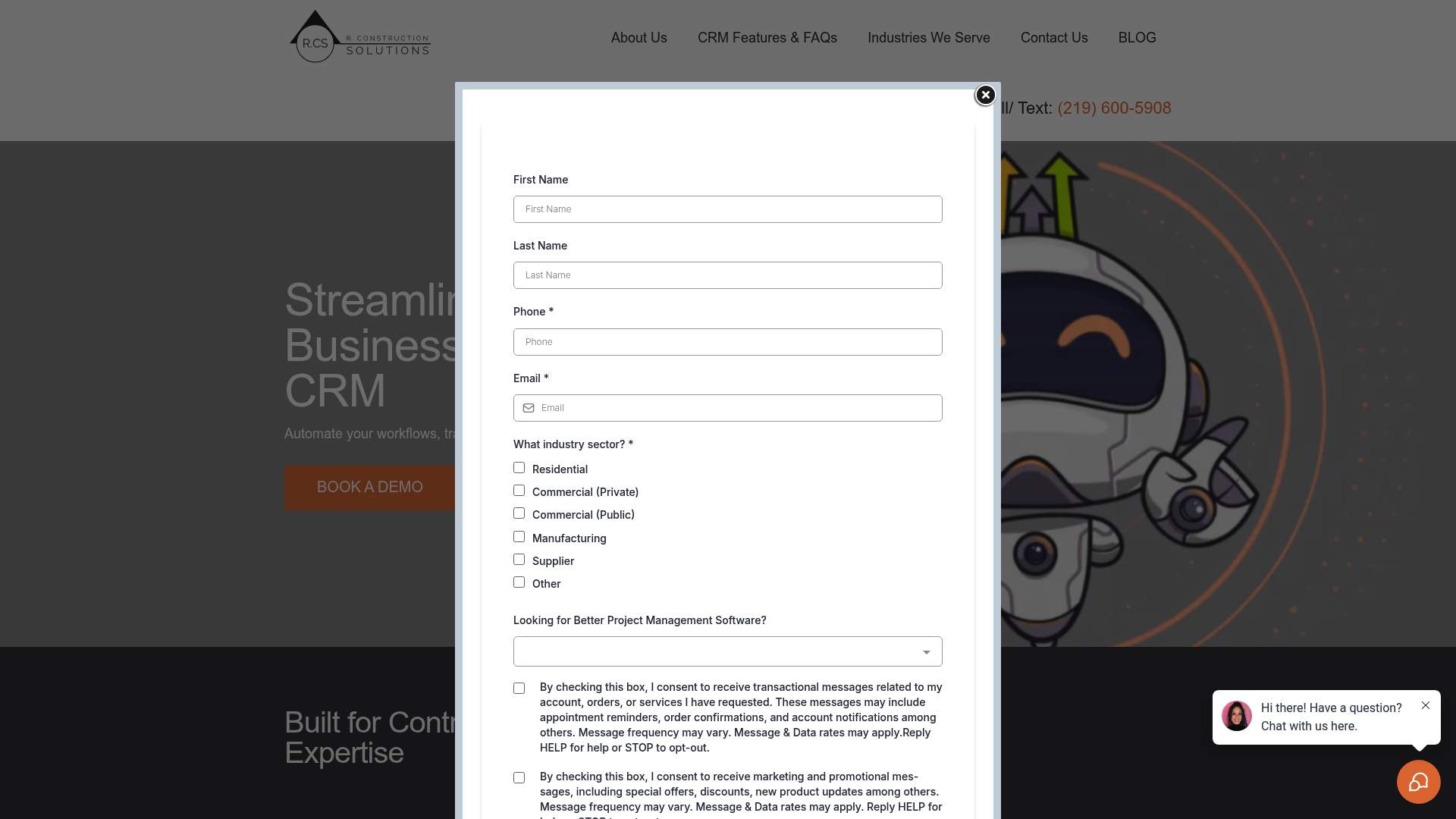
Built with over 30 years of construction experience by R.CS, High Level CRM focuses on contractor workflows and lead handling. The vendor advertises a 35% increase in lead conversion for some users. The platform targets contractors and suppliers with tools that match common field and office tasks.
Core Features
High Level CRM combines Lead & client management with Automated workflows so routine follow ups and bid tracking run without manual steps. It adds Custom reporting dashboards and email and SMS campaigning to keep prospects and clients informed. The system also connects to construction platforms to move data between estimating, project management, and CRM records.
Key Differentiator
The product’s main edge is its industry focus backed by three decades of field experience. Templates, workflow logic, and dashboards reflect contractor terminology and typical job phases. That specialist design reduces the gap between office processes and jobsite work compared with general purpose CRMs.
Pros
High Level CRM reduces repetitive admin by automating follow up, bid reminders, and basic client communications. The reporting tools let you build dashboards that match your estimating and job cost categories, so teams see relevant metrics without manual spreadsheets. Integrations with ProCore and BuilderTrend mean you can avoid double entry when projects move from sales to execution. The vendor states the platform helps increase sales productivity and client retention through these focused features, and that claim supports why contractors choose a sector specific CRM.
Cons
- Limited publicly available detail on pricing tiers and costs makes budgeting and vendor comparisons harder before talking to sales.
Notable Integrations
- ProCore
- BuilderTrend
Who It’s For
You are a contractor, supplier, or consultant who wants a CRM built around construction work flows and sales processes. You will benefit if your team manages homeowner leads, issues formal bids, or needs tighter handoffs between estimators and project managers. Larger enterprises should evaluate security and scalability with the vendor before committing.
Unique Value Proposition
Automated lead tracking tied to reporting dashboards designed for construction gives this product a practical return path to project teams. That reporting focus shortens the feedback loop from sales to operations and reduces manual reconciliation. For firms that measure conversion and job handoff efficiency, that result can change how quickly you turn estimates into booked work.
Real World Use Case
According to the company, a residential contractor automated lead tracking and follow ups, increasing lead conversion by 35%, reducing inquiry response time by 50%, and raising revenue by 20% within six months. That example shows how automated follow up plus tailored reporting can affect both sales and operational throughput.
Pricing
Pricing is not publicly listed. The vendor marks the offering as informational only, and specific tiers, seat counts, or trial options require direct contact with the vendor sales team. Ask for onboarding scope and training estimates when you request pricing.
Website: https://highlevelcrm-rconstructionsolutions.com
Buildertrend
At a Glance
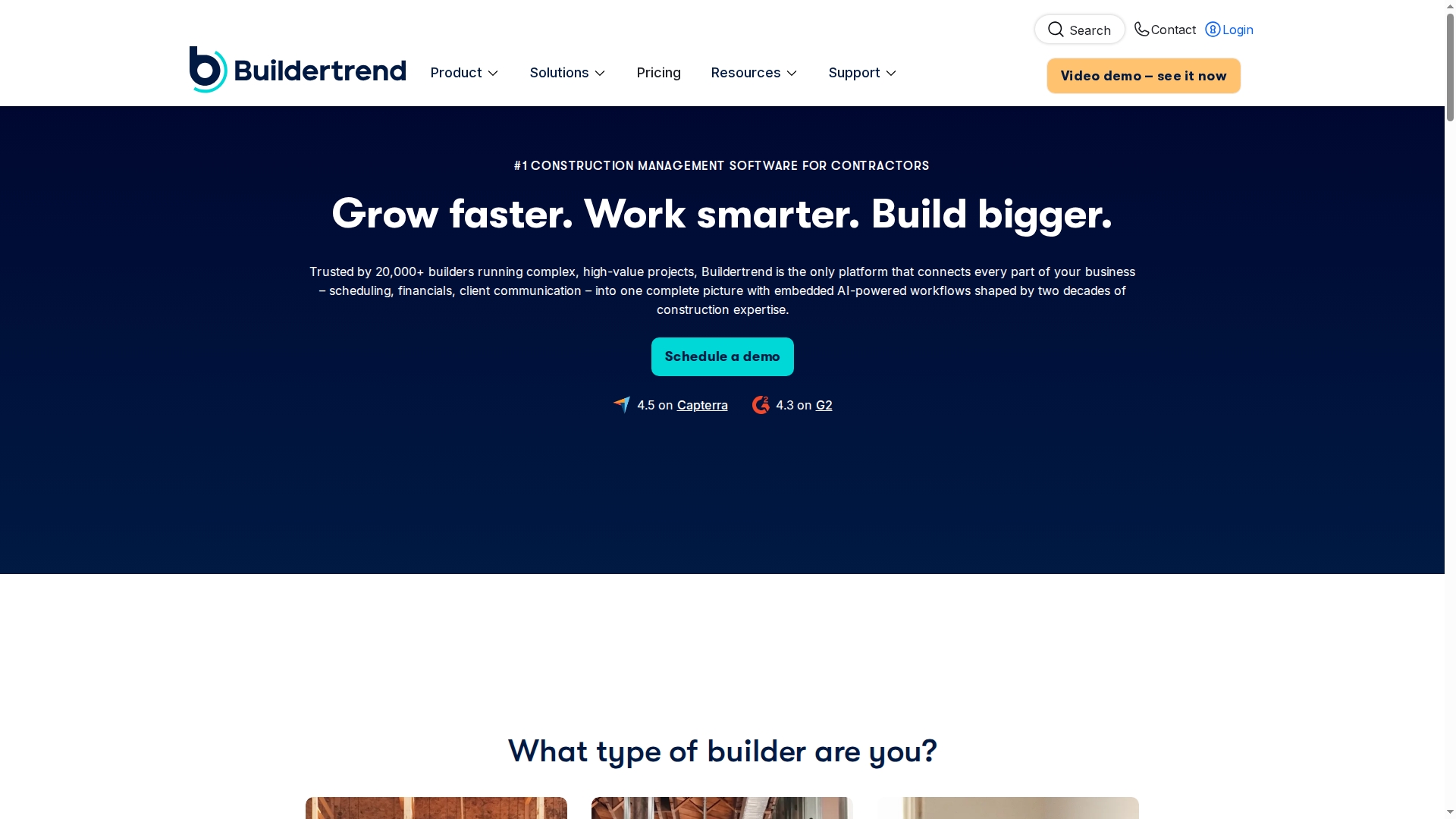
The mobile app combines daily logs, time tracking, and photo sharing so field teams can update jobs from the site. The platform ties those field updates to client portals and job costing for tighter financial control. Builders use it to manage planning, construction, and handover in a single environment.
Core Features
Buildertrend delivers cloud based project tools for leads, estimates, schedules, and construction financials. The product links client communication, change orders, and invoicing so office staff and field crews see the same status. The mobile app, job costing, and client portal work together to reduce rework and speed approvals across trades and subcontractors.
Key Differentiator
The standout is the integrated workflow that connects sales, project management, and financials with field reporting. That integration keeps estimates, schedules, and invoices aligned with site updates in the app. For teams that want one place for client communication and accounting handoffs, this connection matters.
Pros
The suite covers estimate creation through final invoicing, meaning fewer data handoffs between systems. The field app makes daily logs and photo records quick to capture and share with clients and subs. Training resources and vendor support are widely available, which helps teams adopt the platform faster. The product also adapts features to home builders, remodelers, and specialty trades so role specific tasks appear in the interface.
Cons
- Pricing can be high for very small contractors or companies with only a few projects.
- The platform has a steep learning curve for teams new to integrated project and financial workflows.
- Several users report the feature set exceeds needs for simple projects and creates extra configuration work.
When It May Not Fit
If you run one or two simple projects a year, Buildertrend may offer more complexity than you need. Small shops on a tight budget may find the price barrier hard to justify. Teams that prefer modular point tools rather than a single platform should consider lighter alternatives.
Notable Integrations
Buildertrend connects to QuickBooks, Xero, Gusto, Pro Xtra, and The Home Depot Pro Xtra. These integrations move payroll and accounting data out of spreadsheets and into bookkeeping. That reduces double entry between the job files and your accounting system.
Who It’s For
Growing contractors and construction businesses that manage multiple active projects will benefit most. Project managers who need a single source for schedules, change orders, and client communication will find the tools match their workflow. Field supervisors who require mobile daily logs and time tracking will particularly gain value.
Real World Use Case
A residential remodeler uses Buildertrend to keep clients informed through the client portal and to push schedule changes to subs via the app. The office team creates estimates and links them to change orders so the bookkeeper can match invoices to job costs. Daily photo logs speed dispute resolution and shorten client approval times.
Pricing
Buildertrend provides tailored quotes based on business size and feature needs. The vendor does not list public starting tiers, so you must request a quote to see licensing and module costs. Pricing typically reflects the number of projects and chosen integrations.
Website: https://buildertrend.com
JobTread
At a Glance
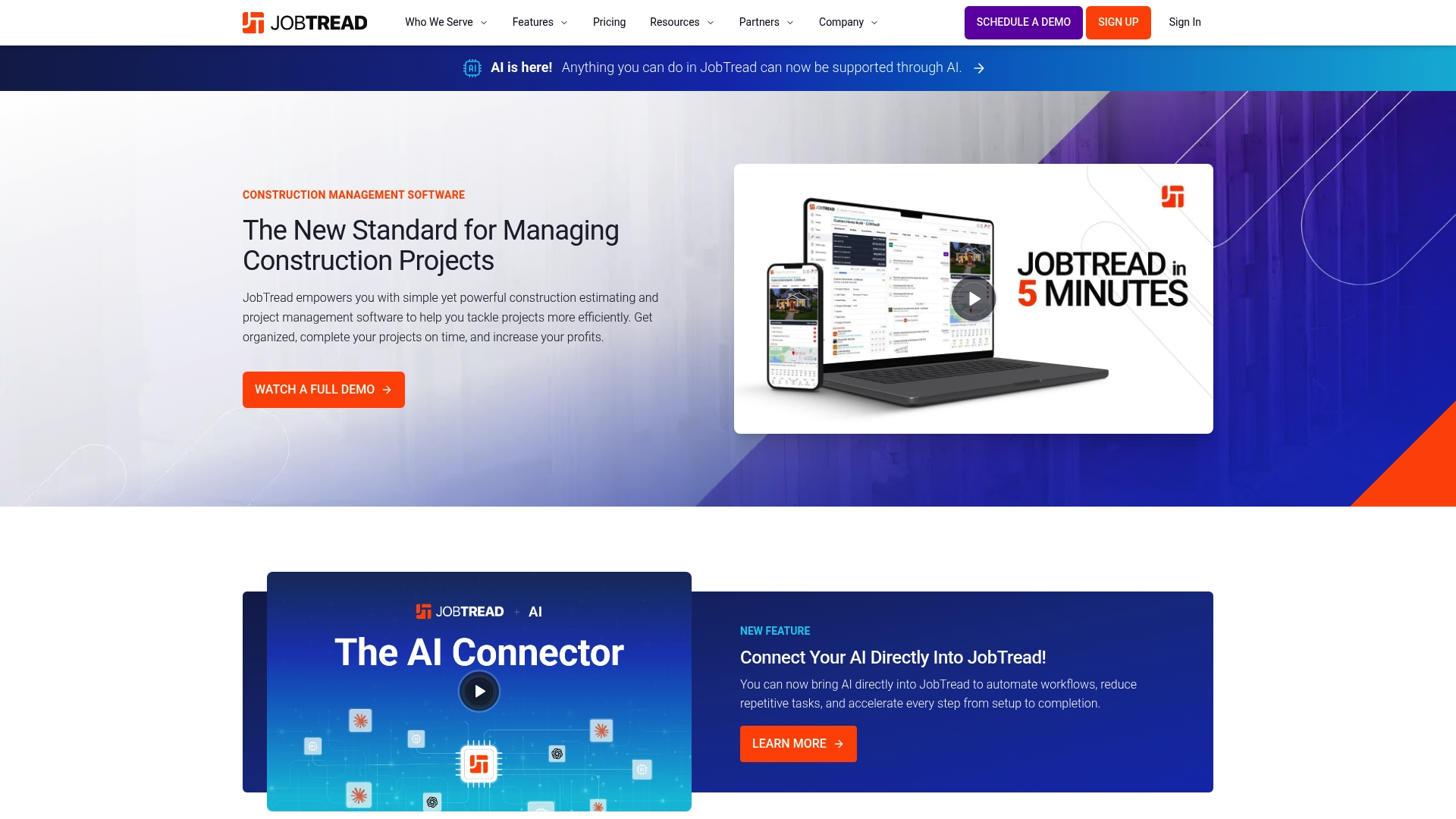
All features are included with unlimited jobs, documents, and files, and pricing tiers start at $20/month for internal users. The vendor advertises a risk-free, 30-day money-back guarantee for monthly subscriptions. That combination targets contractors who want a single system for estimating, project tracking, and job finances.
Core Features
JobTread groups Sales & Estimating, construction CRM, takeoff, and contracts with eSignatures into a single product suite. It also includes project-level financial tracking and client portals for communication. The platform adds AI to automate routine steps and reduce repetitive data entry.
Key Differentiator
One platform combines project management, CRM, estimating, financial controls, and AI-driven workflows specifically for contractors. That scope reduces the need to assemble multiple point tools when you run remodels, service routes, or small commercial jobs. The AI focus aims to cut repetitive admin tasks rather than replace expert estimators.
Pros
JobTread delivers an integrated toolset that covers sales, estimating, and job finances in one place, which simplifies handoffs between sales and field teams. According to the company, it has strong user satisfaction and has earned awards for customer support and ease of use. The platform also connects to a wide set of industry services and adds AI automation to speed recurring tasks.
Cons
-
Tiered pricing by internal user count may become costly for firms with many office staff.
-
The product covers many functions, and that breadth can create complexity without structured onboarding.
-
Feedback indicates occasional workflow friction and sporadic bugs; vendor public documentation on those issues is limited.
When It May Not Fit
Teams with very large internal headcounts that need the lowest possible per-user price may find the tiered model expensive. Organizations seeking a minimal, single-purpose estimating tool will pay for features they do not use and face unnecessary setup work.
Notable Integrations
JobTread integrates with common construction and back office tools to keep records synchronized and reduce duplicate entry.
- QuickBooks Online
- Home Depot
- Eagleview
- CompanyCam
- Gusto
- Zapier
- Acorn Finance
- NiceJob
Who It’s For
Contractors and construction company owners who need an integrated system for sales, estimating, project management, and job-level finances will benefit most. Project managers who want real-time job tracking and client portals will find the CRM and collaboration features useful. Firms that can commit time to onboarding will extract the most value.
Real World Use Case
A remodeling company uses JobTread to manage overlapping projects, track budgets, and coordinate subcontractors through shared job folders. The team sends contracts with eSignatures and updates budgets as change orders arrive. That setup shortens administrative cycles and clarifies client communication.
Pricing
Monthly plans include all features and a 30-day money-back guarantee. Pricing scales by number of internal users and starts at $20/month per internal user. The vendor states unlimited jobs, documents, and files are included in each plan.
Website: https://jobtread.com
CoConstruct
At a Glance
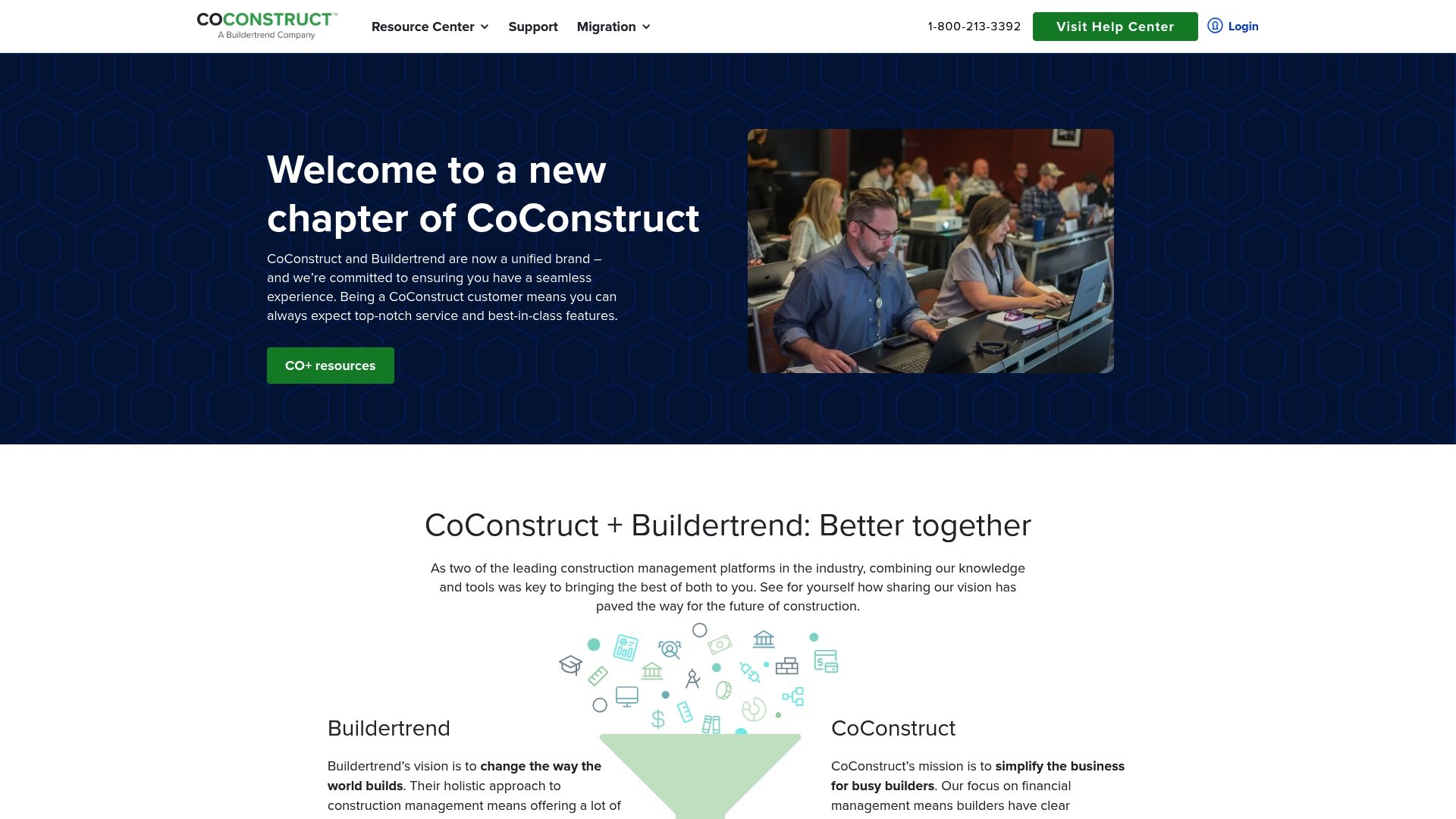
CoConstruct is designed specifically for residential builders and remodelers and bundles estimates, change orders, and bill tracking in one place. The platform includes client facing portals and trade partner tools that keep communication visible across a project. The vendor also advertises onboarding and support to help teams adopt the system.
Core Features
CoConstruct combines financial management features such as expense tracking and invoice processing with project scheduling and job logs to follow work from estimate through closeout. The product stores photos and documents alongside estimates, proposals, change orders, and purchase orders so paperwork stays tied to tasks and budget items. It also supports integrations, including QuickBooks, to move accounting entries between systems.
Key Differentiator
The product focuses on residential builders and remodelers and brings both project controls and financial workflows into a single tool. That focus translates into templates and processes that reflect custom home and remodel work rather than generic commercial project flows. Builders who need one system that handles estimates, client approvals, and bill management will find that orientation central.
Pros
CoConstruct matches residential workflows by combining estimating, change order handling, and purchase order tracking in one place. The client facing portal and trade partner management tools reduce back and forth emails and centralize approvals and selections. Support and onboarding services aim to shorten the learning curve and assist with data migration from older systems. Integrated accounting connections reduce manual entry when you move invoices and bills into your bookkeeping.
Cons
-
Some users report a steep learning curve and say the interface takes time to master.
-
Available content gives limited detail on mobile app capabilities or true real time collaboration features.
-
Several users note customization options can be limited for unusual workflows or complex integrations.
When It May Not Fit
If your field teams require a feature rich mobile app for live collaboration, this product may not meet that need based on available information. Large general contractors who run many commercial projects could find the residential focus restrictive. If you need deep, highly flexible custom integrations the platform may feel limiting.
Who It’s For
Small to medium sized residential builders and remodelers who want one system for estimating, scheduling, and financial tracking will benefit most. The platform suits firms that handle custom homes or remodels and that want client facing portals built into their project process. Teams planning a phased onboarding with vendor support will find the implementation resources helpful.
Real World Use Case
A custom home builder uses CoConstruct to create estimates and proposals, then converts approved items into change orders and purchase orders. The builder tracks expenses against each job and stores photos and documents in the same project record. Project managers and clients use the portal to review selections and sign approvals, keeping decision logs centralized.
Pricing
Not applicable — informational only. CoConstruct does not publish a standard price list in the product data. Interested buyers should contact the vendor for pricing details, edition options, and any implementation fees.
Website: https://coconstruct.com
Comparison of alternatives
Contractors and construction managers comparing CRM software will note industry-specific integrations, platform adaptability, and task suitability as crucial deciding factors.
Field adaptability and on-site reporting
Buildertrend stands out in real-time updates, daily job logs, and photo sharing accessible through its mobile app. These features enable field teams to synchronize live job status with office staff. Compared with High Level CRM, which emphasizes lead automation, Buildertrend’s focus on site-to-office feedback offers stronger utility for managing active jobs and client transparency.
Cost transparency and tier scalability
JobTread delivers clear tiered pricing starting at $20/month per user, including all features and unlimited jobs. This contrasts with CoConstruct and High Level CRM, which require buyers to contact sales for quotes. Contractors with tight budgets or requiring predictable expenditure tracking may find JobTread advantageous for planning future growth.
Best fit
- Contractors automating lead workflows will benefit from High Level CRM’s specialized reporting dashboards tailored to estimating and operations.
- Remodelers prioritizing client communication will gain from Buildertrend’s client portals, integrating field logs and customer updates.
- Managers seeking bundled financial tracking tools will find JobTread appealing for its inclusion of estimating, CRM, and financial management at transparent pricing.
- Builders needing field reporting capabilities can rely on Buildertrend’s mobile app for real-time updates tied to job costing.
Our pick
High Level CRM combines contractor-focused automated workflows with integrations into core construction platforms, reflecting three decades of industry requirements. Firms aiming to optimize their lead management processes while aligning metrics to job phases will appreciate its focus. However, users needing active job updates directly from field teams may explore alternatives like Buildertrend for stronger on-site adaptability.
Use this table to compare leading construction CRM platforms based on their most relevant features and limitations.
| Product Name | Key Differentiator | Best For | Pricing | Notable Limitation |
|---|---|---|---|---|
| Highlevelcrm-rconstructionsolutions | Built for contractors with construction experience | Contractors and suppliers | Price not published | Limited detail on pricing tiers requires outreach |
| Buildertrend | Integrated workflow for project and financials | Growing contractors | Quote-based | High pricing for small-scale contractors |
| JobTread | All-in-one platform with unlimited jobs | Contractors managing diverse projects | Starting at $20/user | Per-user pricing may be costly for larger teams |
| CoConstruct | Focused on residential builders and remodelers | Residential builders and remodelers | Price not published | Limited customization options for complex workflows |
Choosing the Right Procore.com Alternative for Contractor Efficiency
One challenge contractors face when evaluating procore.com alternatives is finding software built for construction workflows, not generic CRM features. Highlevelcrm-rconstructionsolutions meets that need with tools created from over 30 years of construction experience. It offers automated lead tracking, custom reporting dashboards, and integrated workflows that cut down project management time and improve lead conversion by up to 35%. Contractors, suppliers, and consultants who manage homeowner leads or formal bids can benefit from tailored features designed to match their sales and operational processes.
Highlevelcrm-rconstructionsolutions connects with popular construction platforms to keep data in sync and reduce double entry. Explore how its focused design simplifies the handoff between field teams and office staff, leading to better client communication and higher revenue.
Ready to reduce errors and boost your project handoff speed? Visit Highlevelcrm-rconstructionsolutions to learn how your contracting business can improve lead conversion and streamline workflows.
FAQ
What capabilities does Highlevelcrm-rconstructionsolutions offer for contractors seeking lead management?
Highlevelcrm-rconstructionsolutions provides automated workflows for lead and client management, which helps reduce repetitive tasks. This feature supports contractors in streamlining follow-ups and tracking bids, helping them stay organized. Contractors looking for efficient lead management can leverage these capabilities to improve their processes.
How does Highlevelcrm-rconstructionsolutions compare to Buildertrend in terms of project integration?
Buildertrend offers a strong integrated workflow that connects estimates, project management, and financials with field reporting, making it effective for complete project oversight. In contrast, Highlevelcrm-rconstructionsolutions focuses specifically on contractor workflows and lead handling, making it better suited for teams prioritizing sales and customer relationships rather than comprehensive project management. Contractors should consider their primary focus when choosing between these two platforms.
Can Highlevelcrm-rconstructionsolutions accommodate multiple active projects?
Yes, Highlevelcrm-rconstructionsolutions supports multiple active projects through its construction-specific CRM features. Users can manage leads and client communication efficiently, ensuring that all projects receive the attention they need. This makes it an ideal choice for contractors handling numerous jobs simultaneously.
What must small contractors consider when evaluating Highlevelcrm-rconstructionsolutions?
Small contractors should review their specific workflow needs, as Highlevelcrm-rconstructionsolutions is tailored for those focused on construction-related tasks. If their primary requirement is a robust customer relationship management system rather than extensive project management tools, they may find this platform aligns well with their operations.
Does Highlevelcrm-rconstructionsolutions provide customizable reporting features?
Yes, Highlevelcrm-rconstructionsolutions includes custom reporting dashboards that help users tailor metrics to their estimating and job cost categories. This feature allows contractors to easily view relevant data without dealing with manual spreadsheets, which boosts their efficiency in tracking project progression.